

Skip to content
View in the app

A better way to browse. Learn more.

Trials Central

A full-screen app on your home screen with push notifications, badges and more.

To install this app on iOS and iPadOS
  1. Tap the Share icon in Safari
  2. Scroll the menu and tap Add to Home Screen.
  3. Tap Add in the top-right corner.
To install this app on Android
  1. Tap the 3-dot menu (⋮) in the top-right corner of the browser.
  2. Tap Add to Home screen or Install app.
  3. Confirm by tapping Install.

smiffo221

Members
  • Joined

  • Last visited

  1. News Flash! Raga has just beaten Bou in the pau x-trial.
  2. It's my first time at Sheffield this year, what's the car parks like? Any tips? Thanks greg
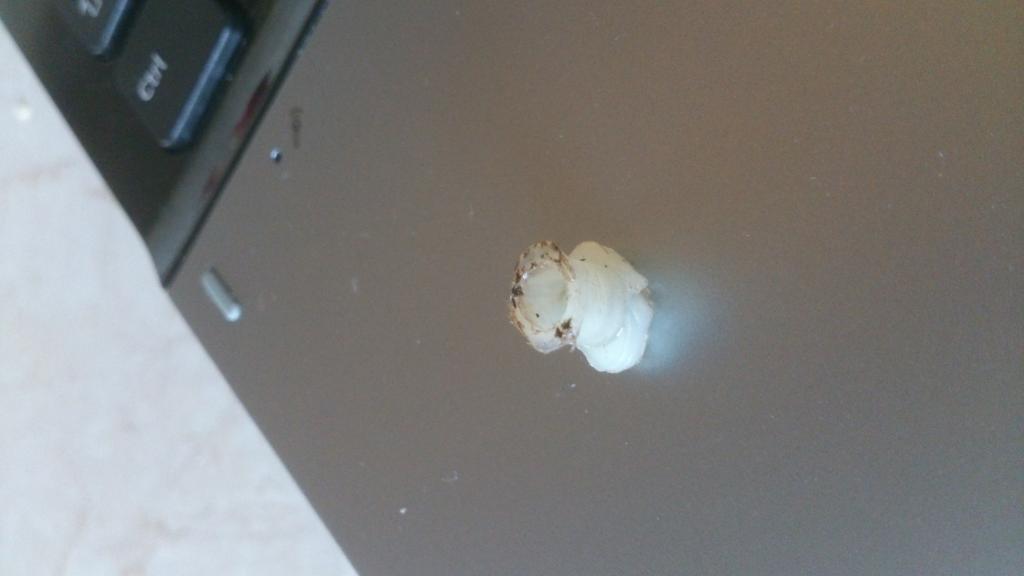
  3. Hi, I'm a newbie, I've just bought a 04' txt pro 250. I'm trying to eliminate clutch drag and whilst taking of the clutch cover I found this small plastic piece lying in the bottom of the crankcase. Can't work out where it goes?

Account

Navigation

Search

Search

Configure browser push notifications

Chrome (Android)
  1. Tap the lock icon next to the address bar.
  2. Tap Permissions → Notifications.
  3. Adjust your preference.
Chrome (Desktop)
  1. Click the padlock icon in the address bar.
  2. Select Site settings.
  3. Find Notifications and adjust your preference.