GaryHyde
Members
-
Joined
-
Last visited
-
Lorenzo, thank you I have checked again it is RB ..! So R = 250 & M= motor Therefore 250cc engine Fantastic... Many thanks Gary
-
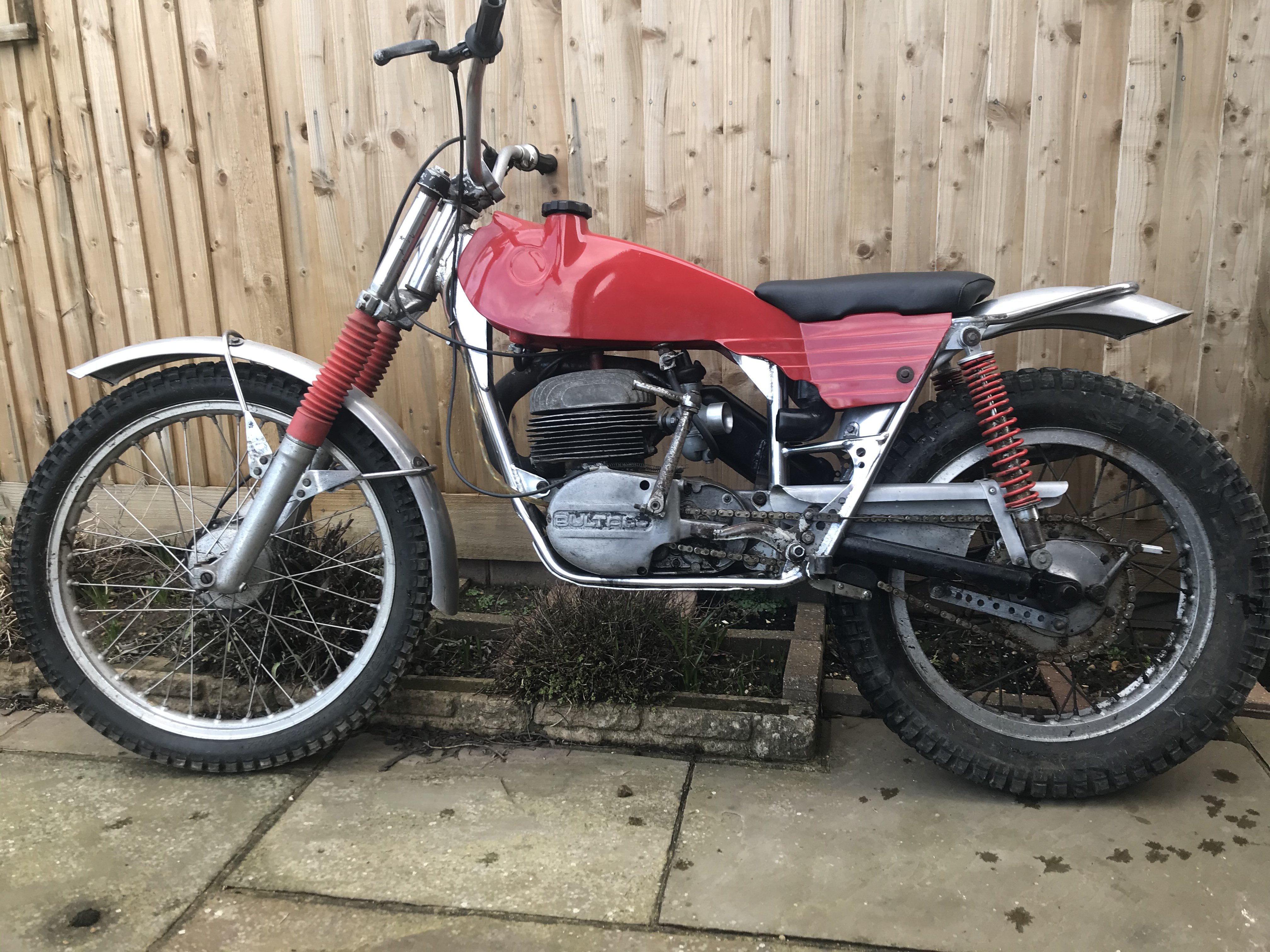
Following on.... just purchased a 198 with matching numbers... However going further the frame has RR prefix and the engine has RM prefix what do these refer too? It is also road reg and I assume wrongly the RR is “Road Registered” But I guess that is totally b/s help appreciated as always Regards Gary
-
Thanks Woody.... Therefore frame number M-49 is.....Sherpa T250 1968>1971 Thanks for the heads up regards Gary
-
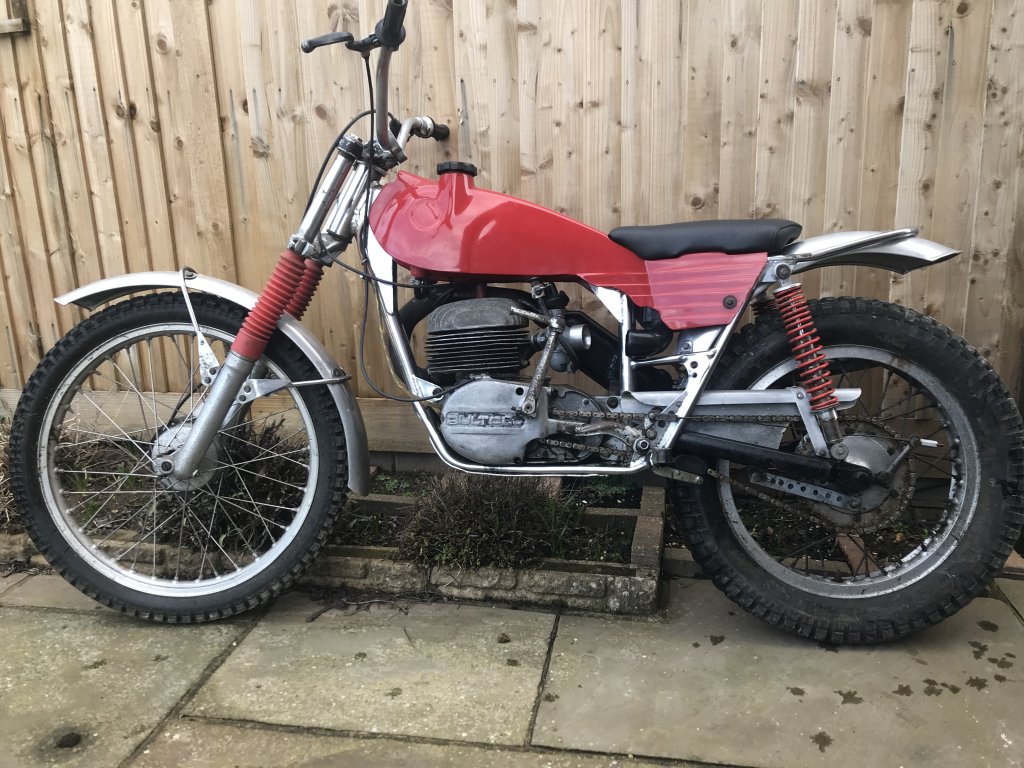
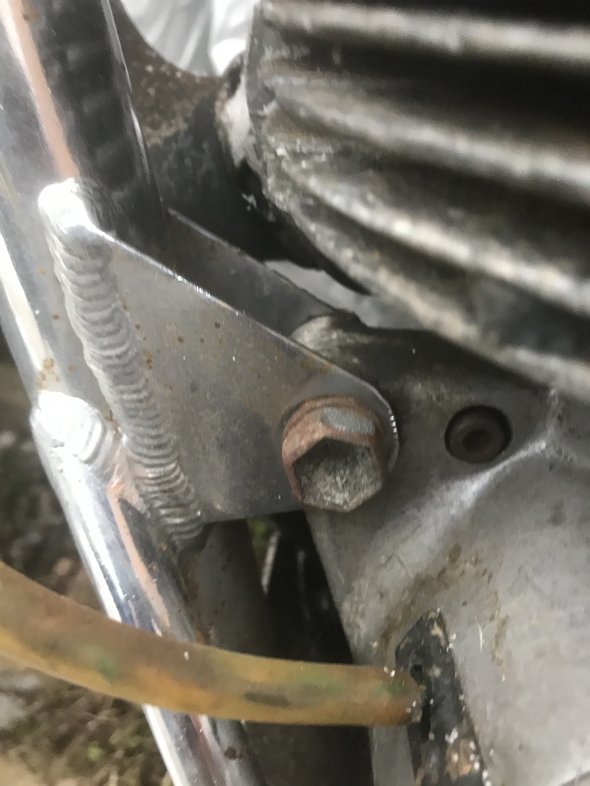
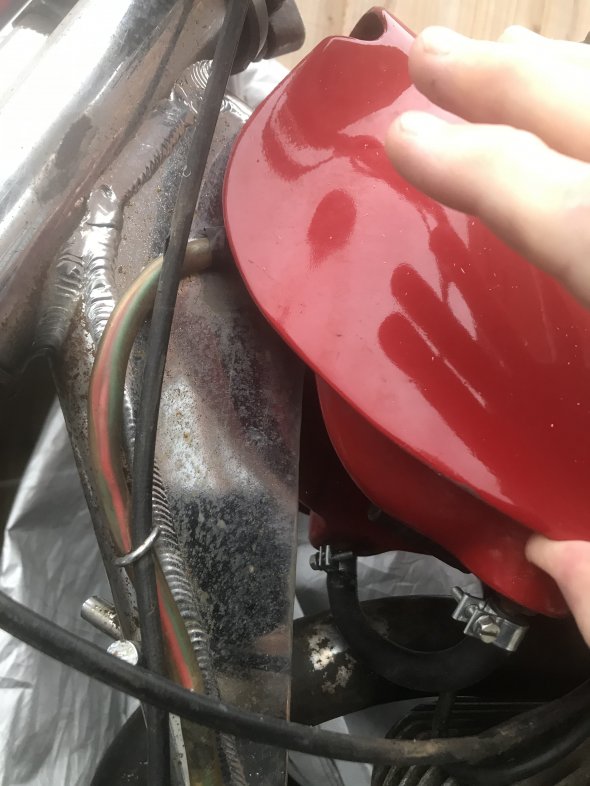
Is there a way to identify what model/ cc a Bilty is from the frame number or engine number...? Help appreciated Regards Gary
-
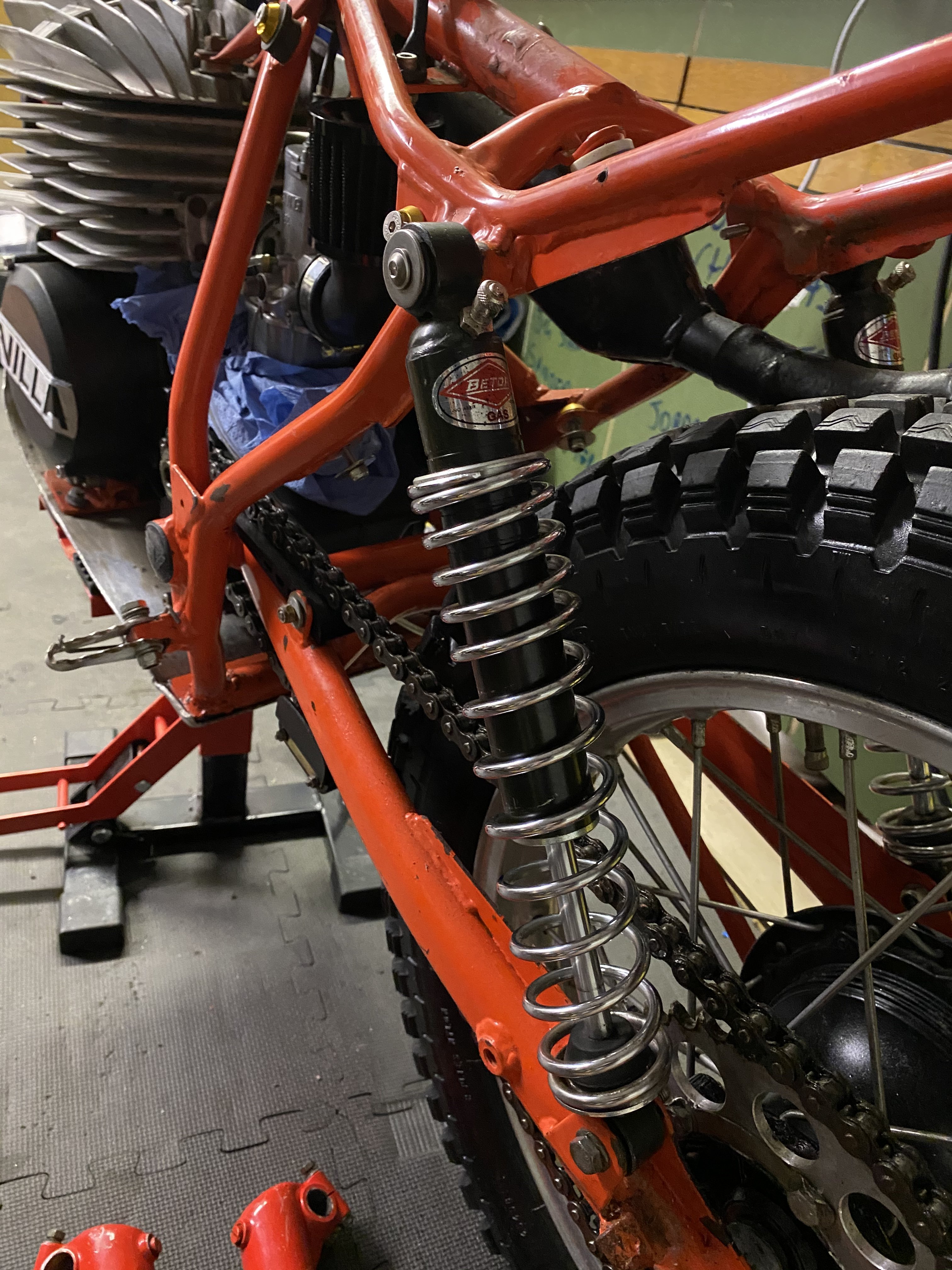
The shocks are actually too short by about 10mm Also, I have turned them around but they are still not correct as too short thanks for the advice regards and stay safe and well
-
I suppose I could ask my chum with a lathe and milling machine to cut me some longer tops with the eyes 10/15 mm further from the top cap and fit them with bushes....?
-
I have found the issue.....??♂️ eBay purchase and wrong c2c listed.... I should have checked before.... should be 340mm these are 330mm my fault ... never mind new purchase required thanks ?
-
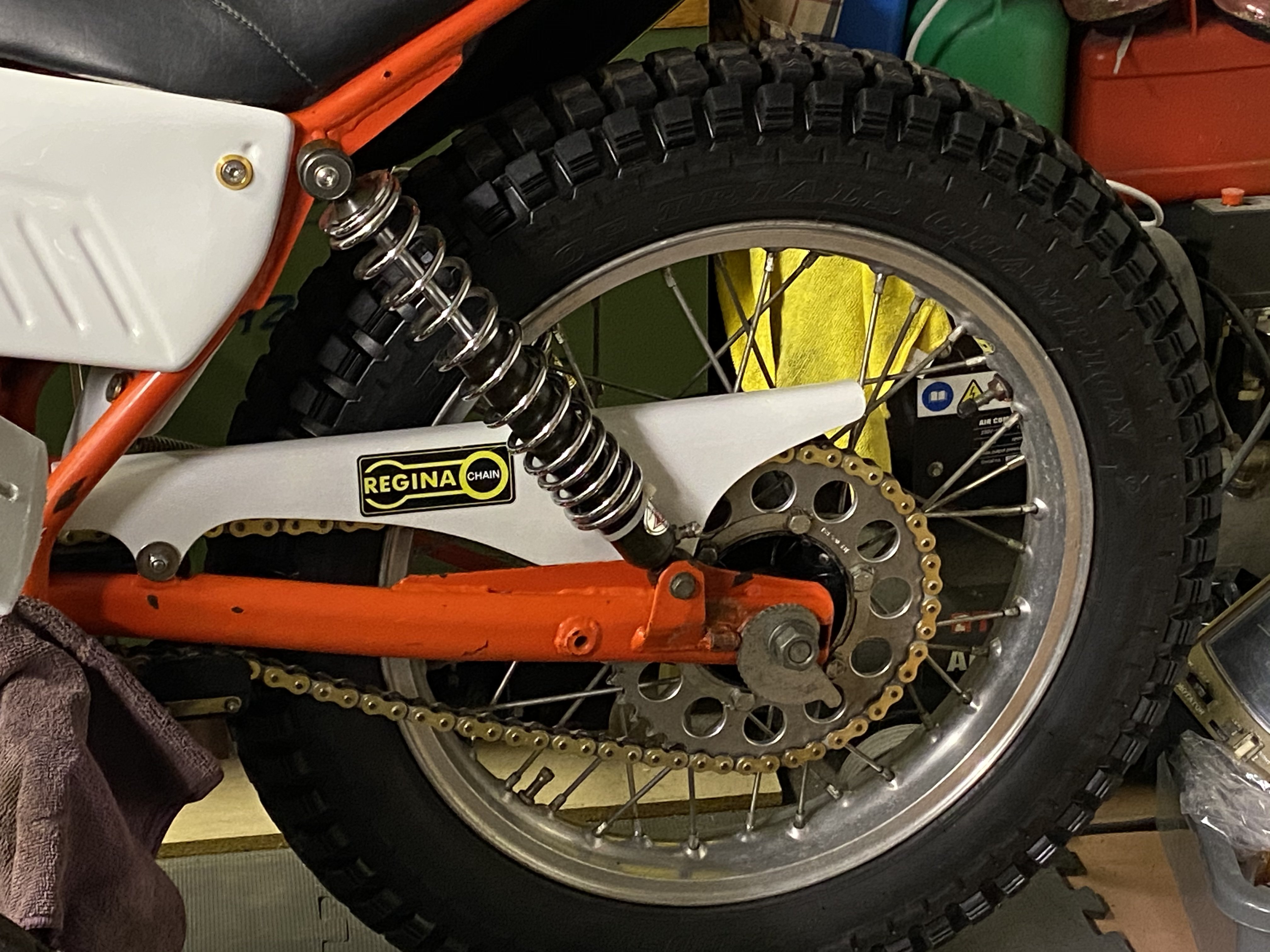
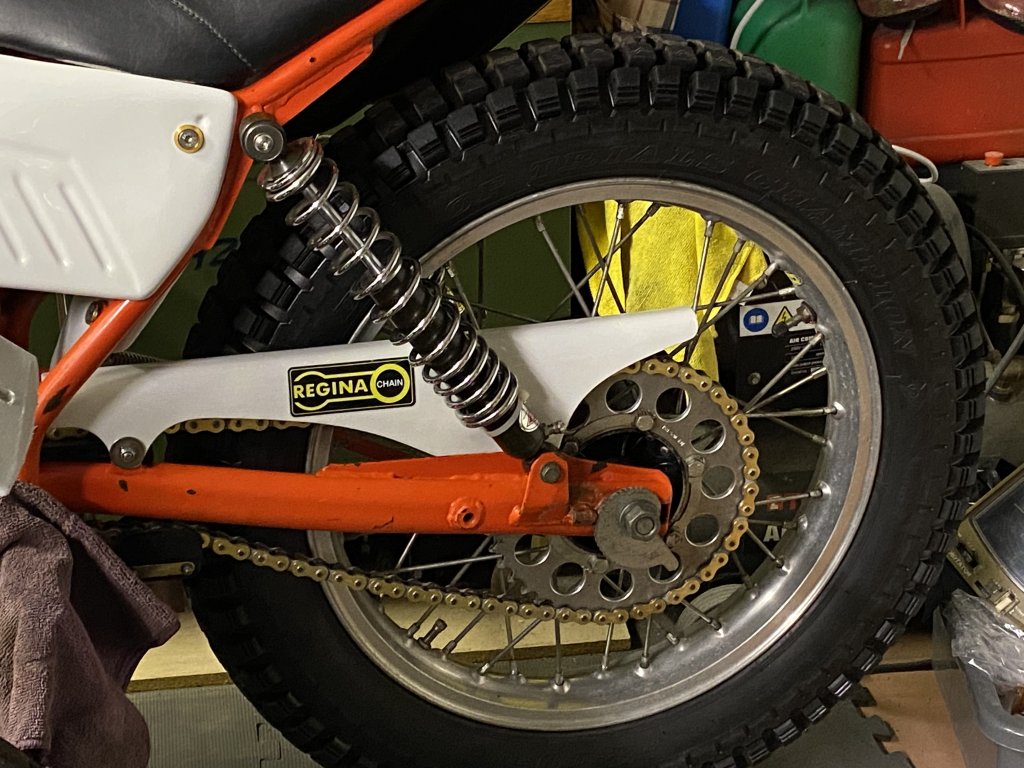
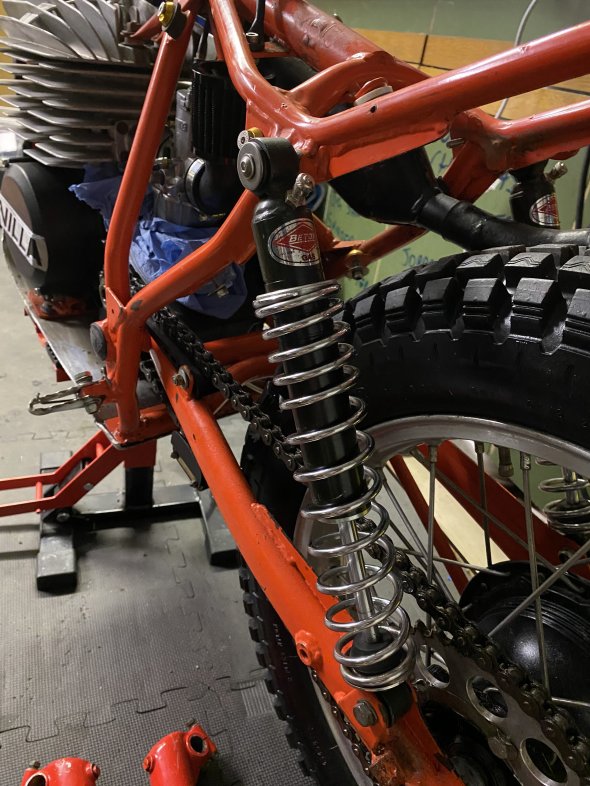
Afternoon, I have recently fitted a pair of NOS Betor rear shocks. After moving the circlips up a couple of rings they still feel spongy.... I have tried looking at the website to see what the factory settings would be, gas pressure etc. As a larger chap (100kg) ??♂️ Is there a rule of thumb for compression or spring rates etc As a Noooob, again any /all help appreciated Thanks & merry Xmas ??
-
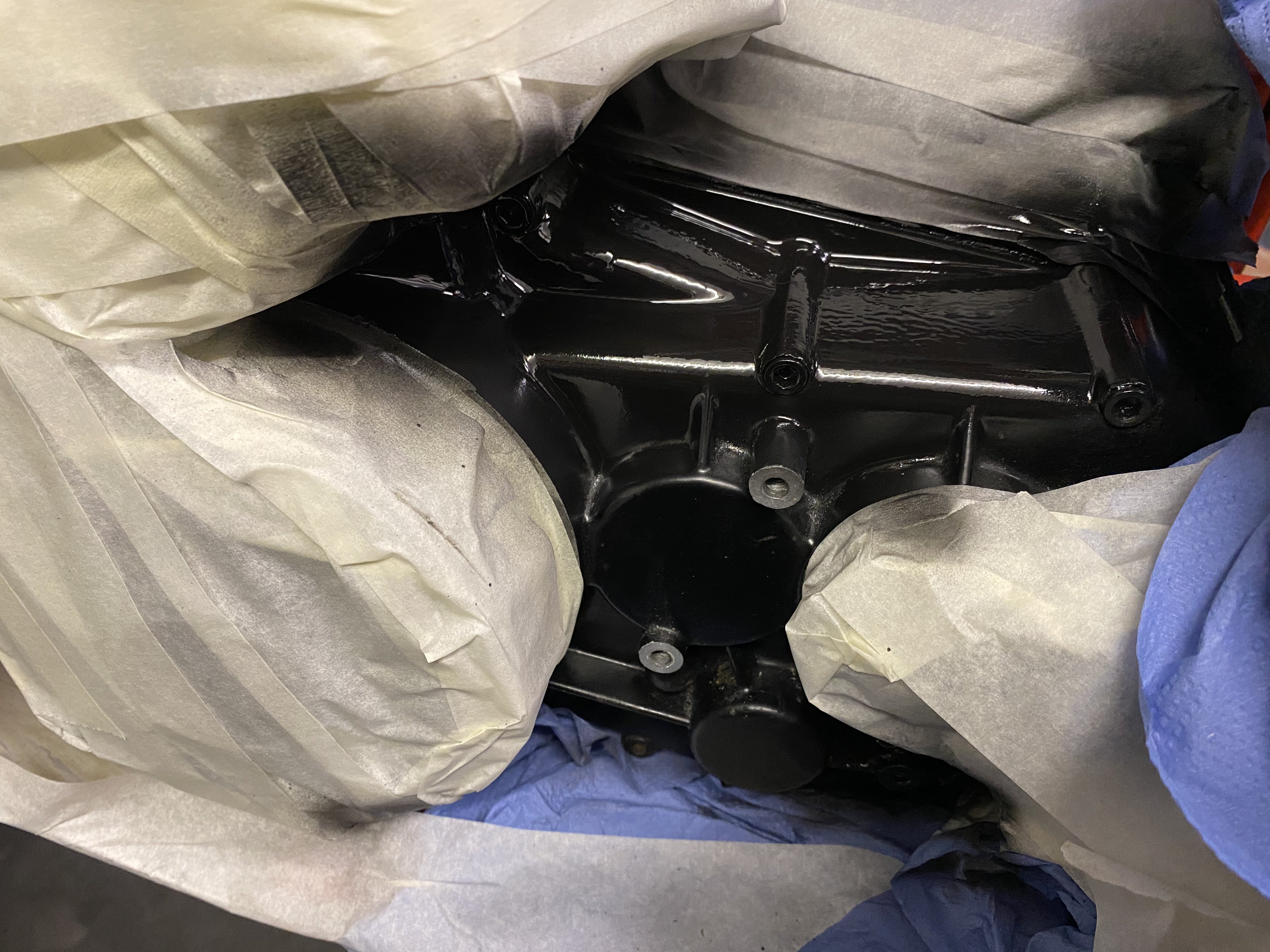
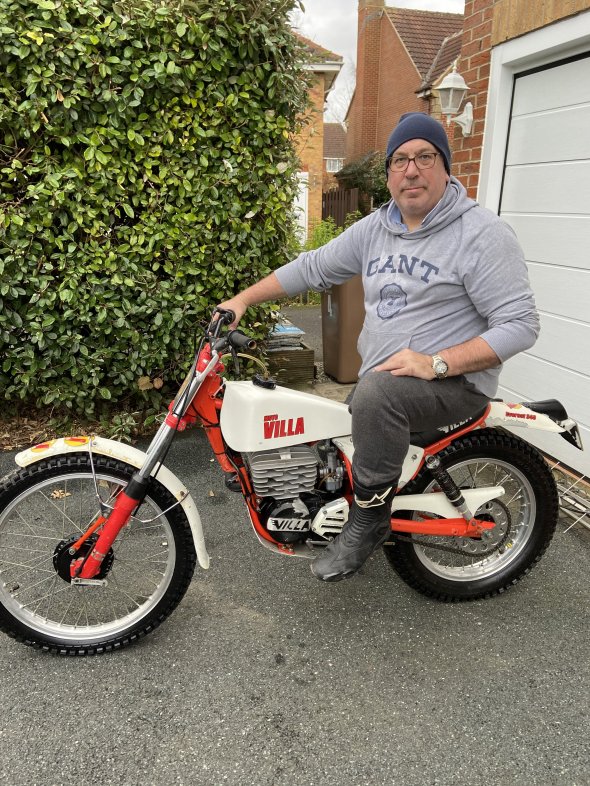
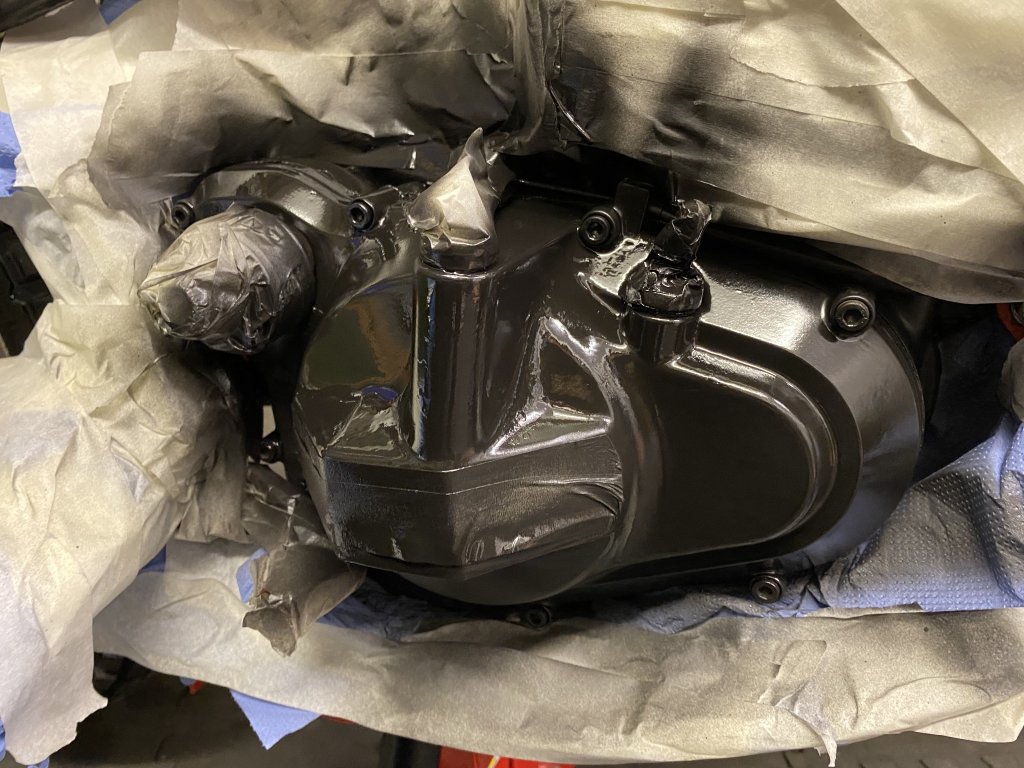
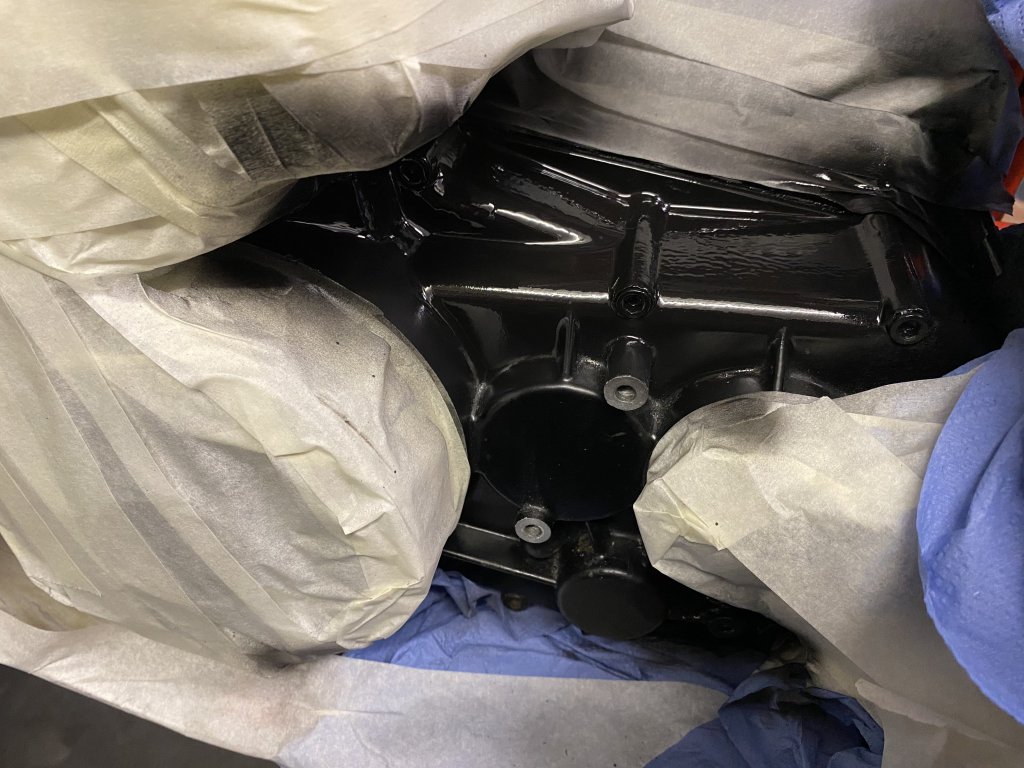
Ongoing strip down and re-commission
-
Good evening... Looking for help and any information/pictures for the wiring loom connections for the above bike. I have a loom, switch gear and front and rear light clusters. The previous keeper has just left the kill switch and nothing else... thanks in advance Gary
-
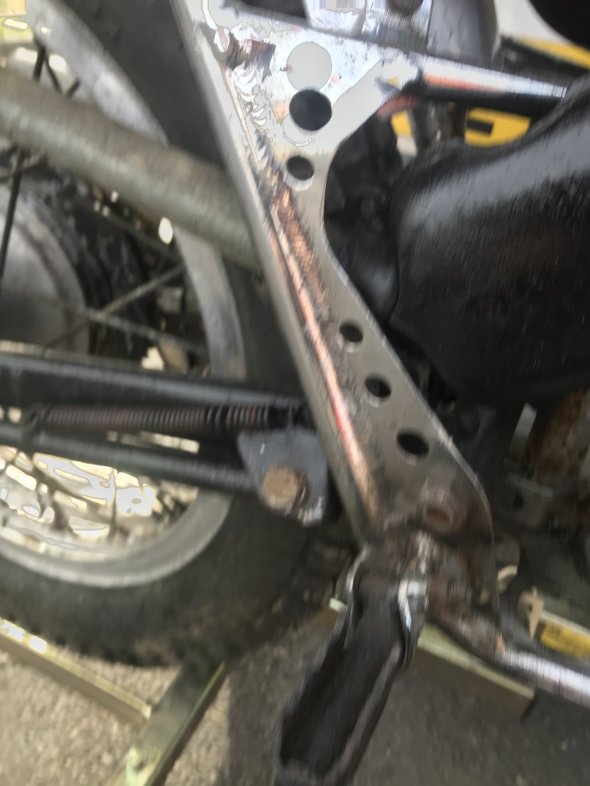
Ah no..... the previous keeper has put black vinyl inserts into the frame recesses so it looks opened out.... ? may be a way to shave off some weight..? But loose frame strength
-
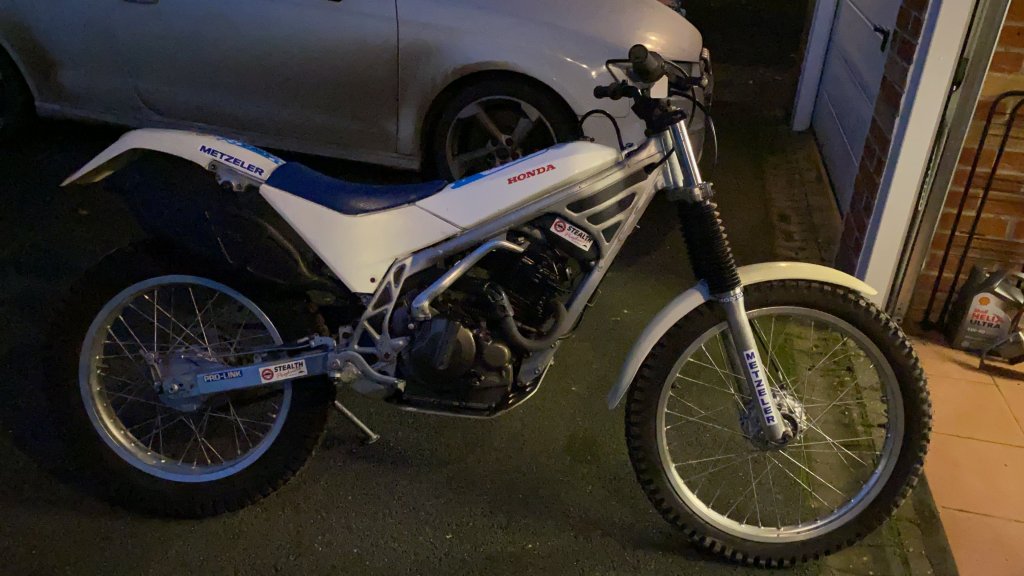
Excellent..... someone has taken the stripes off mine... stay well
-
Good morning, thanks for your reply, I have now sorted out the pipe work and the motor is running.... thank you again On a further note, I am looking at fitting the lights back on the bike, it currently only has a kill switch, I have the lights front and rear and a loom so hopefully just a matter of laying the loom on the frame and seeing where it lays and the plugs should marry up.... Do you have a manual of any kind for it?
-
Good afternoon..... here is my “shocker”...
-
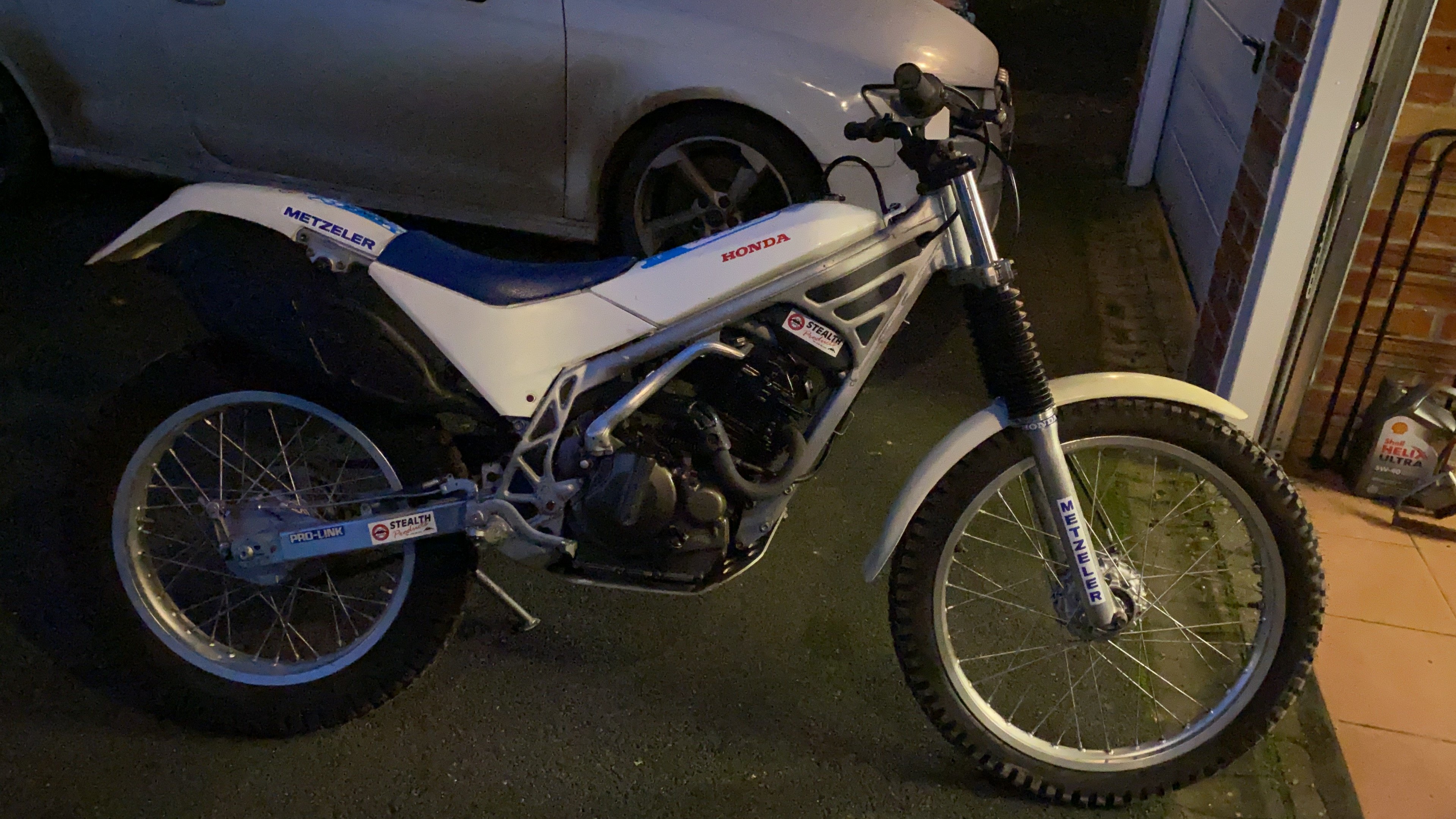
Good afternoon.... maybe the wrong place.....BUT... does anyone have a fuel system diagram or can point me to the web for the same.... TLR250-R 1986 Japanese model with the secondary fuel tank under the seat... I have fully cleaned, new filters, vacuum pump is priming but I’m not sure which route the fuel would go as I’ve now got an air lock and zero fuel in the float bowl... I have replaced the fuel pipes as they came off so perhaps the previous keeper has tried before help appreciated Gary