Skip to content
View in the app

A better way to browse. Learn more.

Trials Central

A full-screen app on your home screen with push notifications, badges and more.

To install this app on iOS and iPadOS
  1. Tap the Share icon in Safari
  2. Scroll the menu and tap Add to Home Screen.
  3. Tap Add in the top-right corner.
To install this app on Android
  1. Tap the 3-dot menu (⋮) in the top-right corner of the browser.
  2. Tap Add to Home screen or Install app.
  3. Confirm by tapping Install.

NFC

Members
  • Joined

  • Last visited

  1. Hi, is the KT still for sale please?
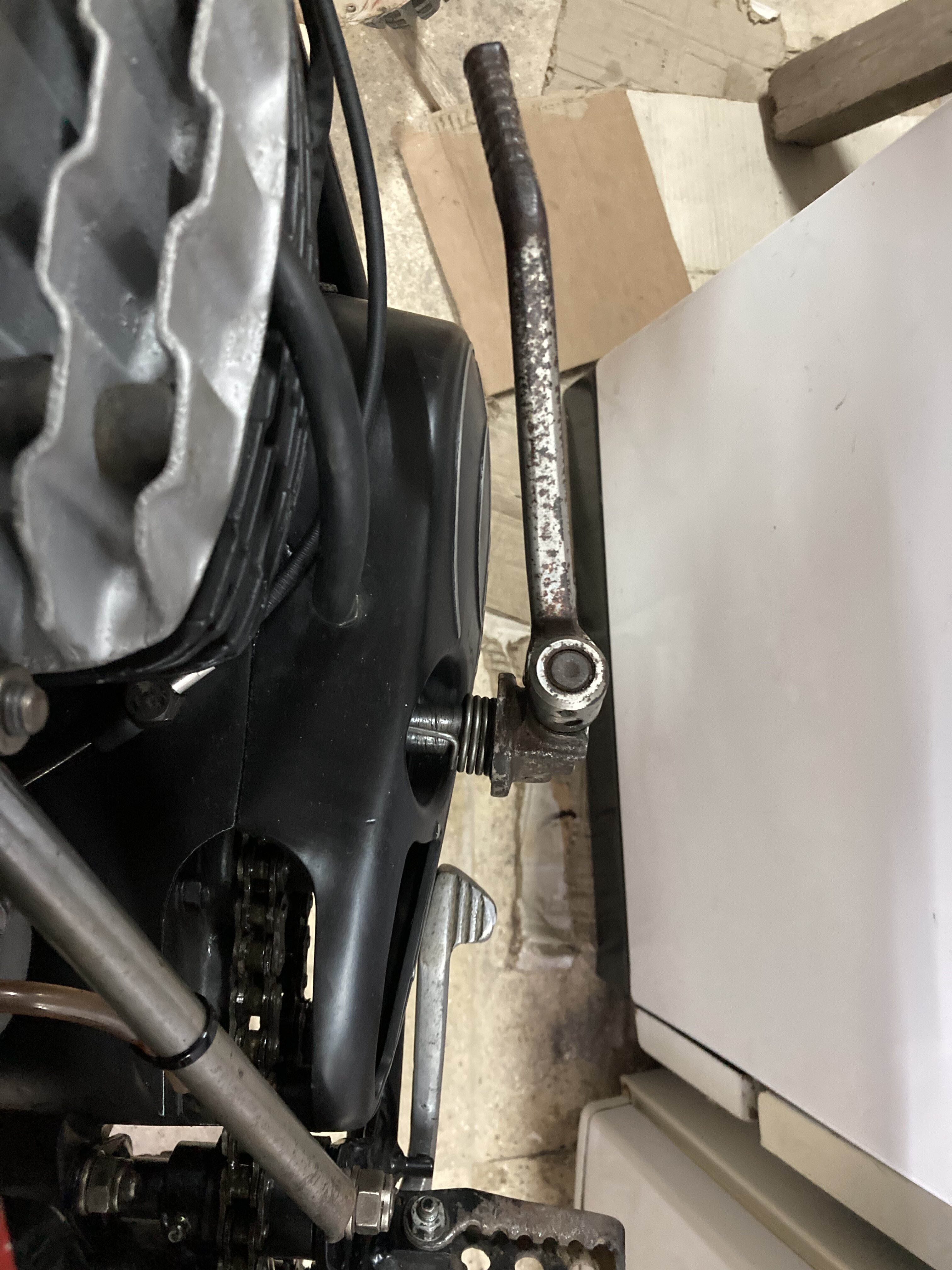
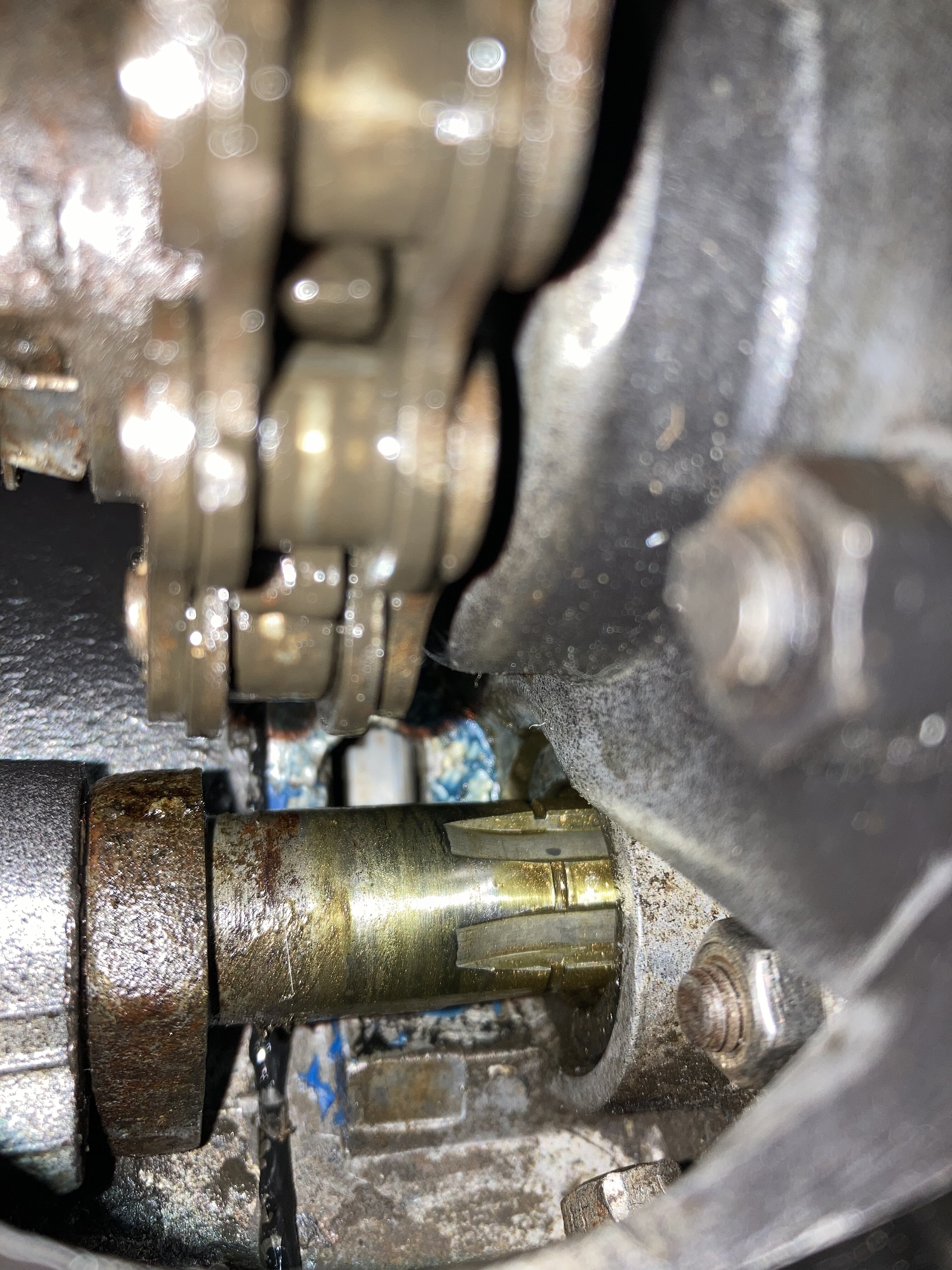
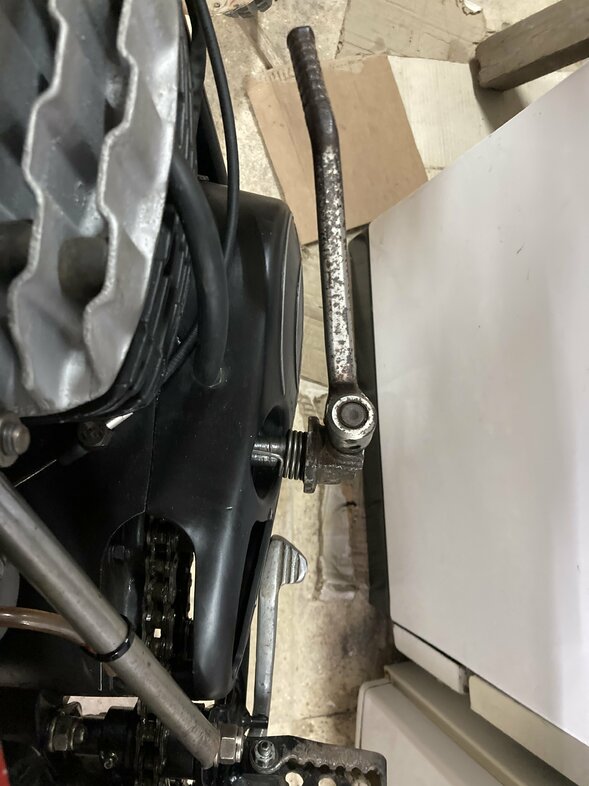
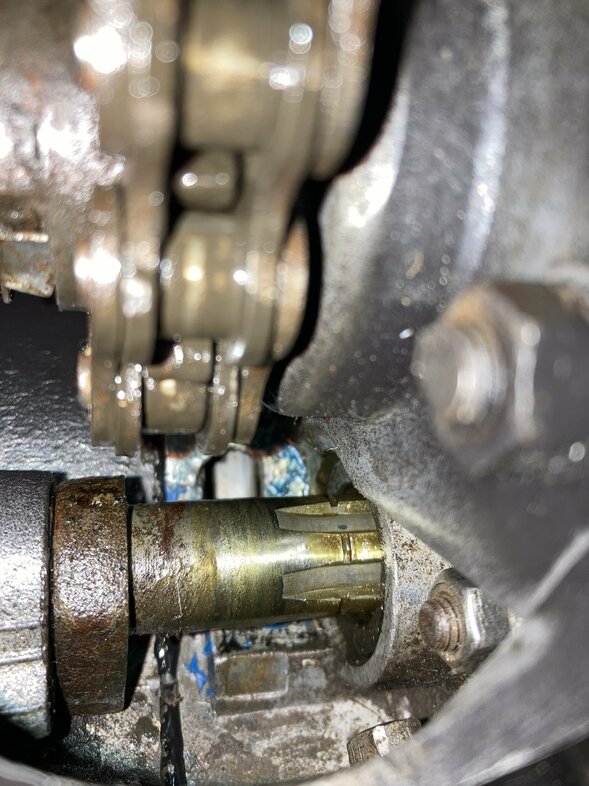
  2. Hi Barnesy, I have a problem with my kick start shaft on my 348. Yesterday went to start the bike and when I kick it it moves forward. I’m sure it was in Neutral. Than I’ve kick it again and it turned free and moved to the out side. This problem never happened to me on other cotas. Do I need to split the cases?? I will appreciate any help as I live in a country that classic cotas are very rare. Thank you 🙏
Account

Navigation

Search

Search

Configure browser push notifications

Chrome (Android)
  1. Tap the lock icon next to the address bar.
  2. Tap Permissions → Notifications.
  3. Adjust your preference.
Chrome (Desktop)
  1. Click the padlock icon in the address bar.
  2. Select Site settings.
  3. Find Notifications and adjust your preference.