
shakennstirred
Members
-
Joined
-
Last visited
Everything posted by shakennstirred
-
If its your team and sponsors that's fine lol i would be the same, i was just on about the ones you buy from the shops with company's name on that makes them and lots of flashes of colour
-
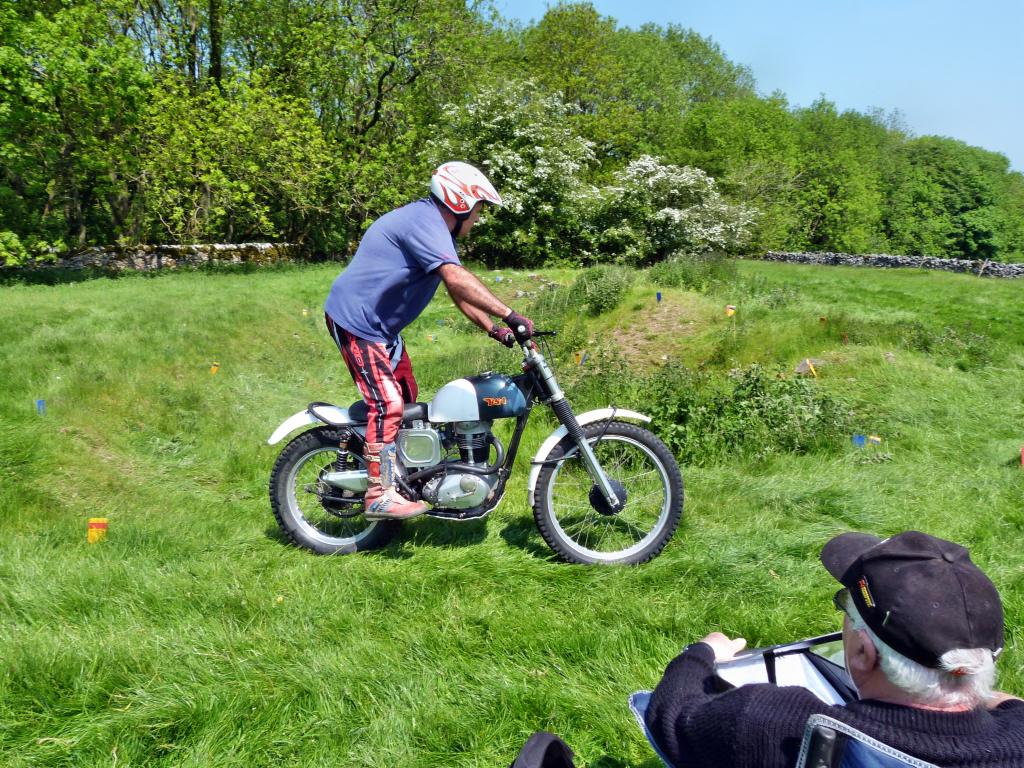
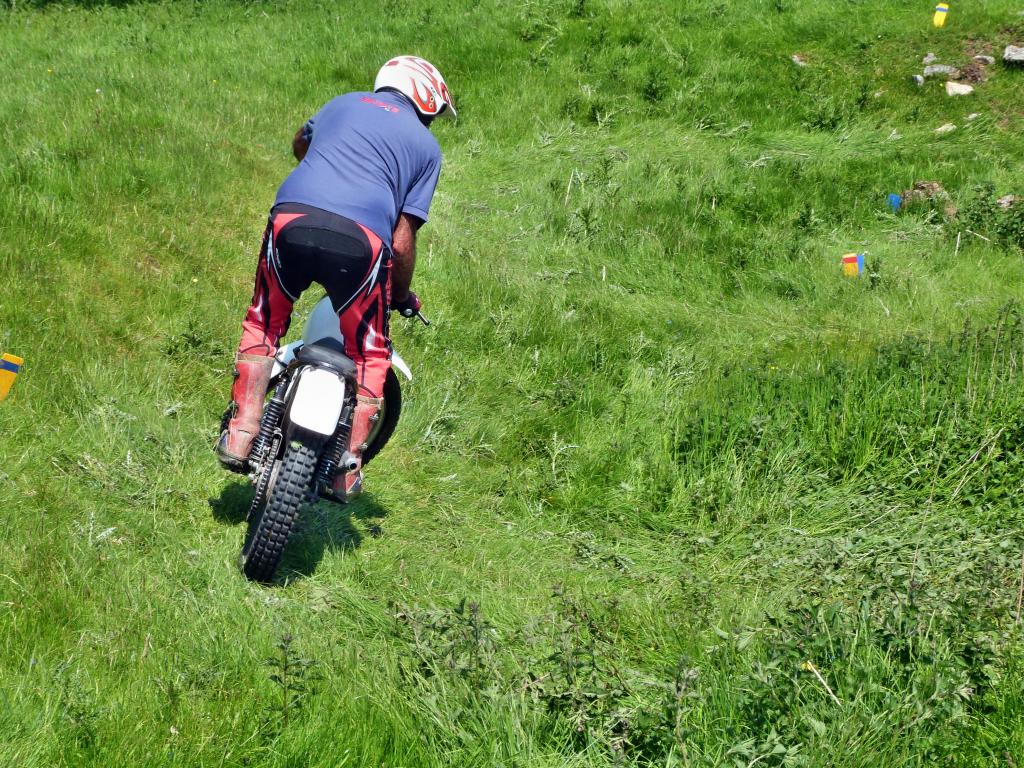
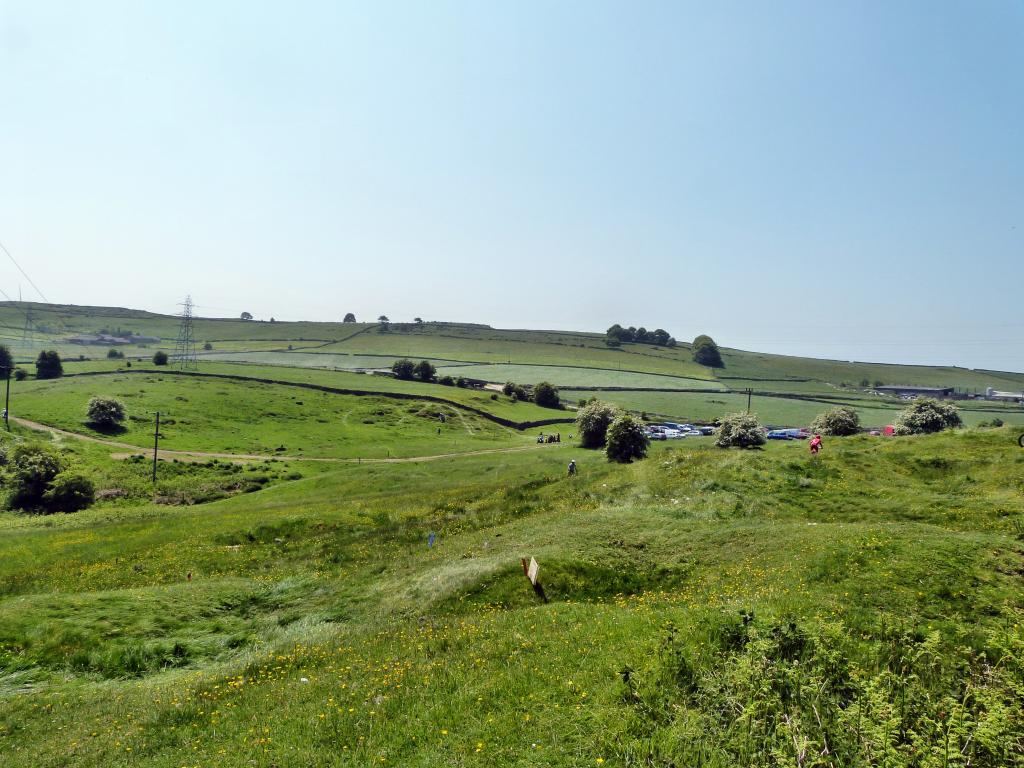
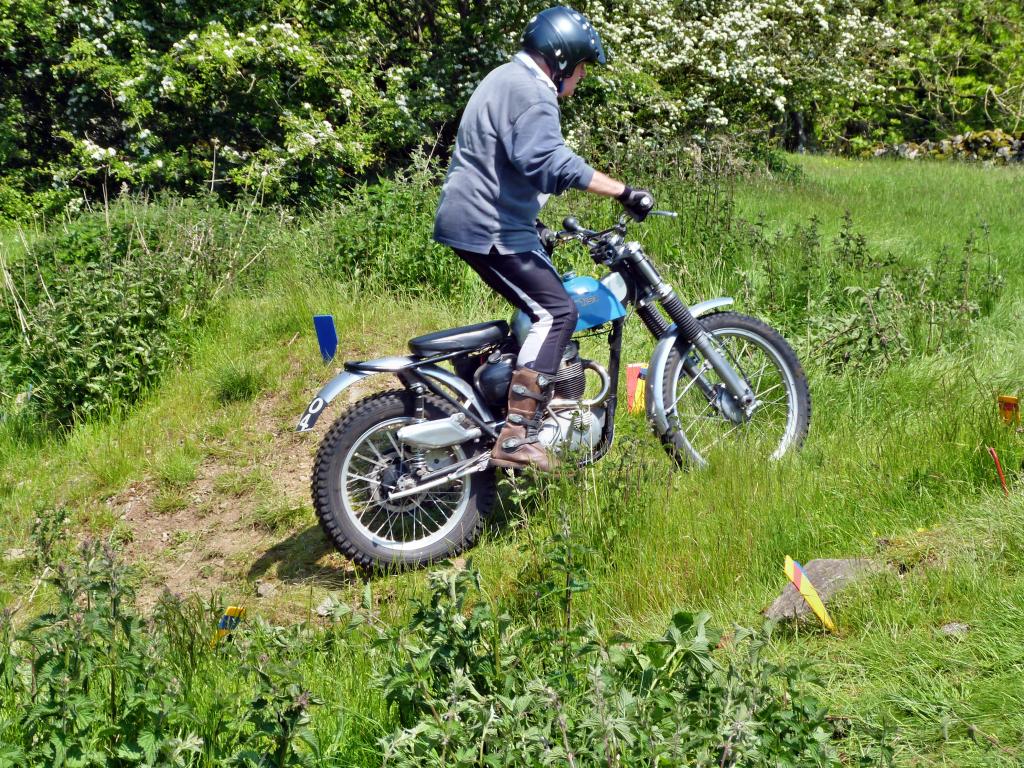
Yes the weather was great, my sunburnt head say so lol. Someone else may have some close up pic's. These are all the pictures i took. I should have taken more, but was videoing a lot
-
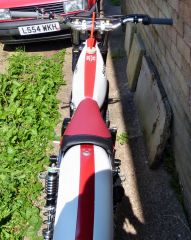
From the album: Beamish Suzuki 250
© AJW
-

From the album: Beamish Suzuki 250
© AJW
-

From the album: Beamish Suzuki 250
© AJW
-

From the album: Beamish Suzuki 250
© AJW
-

From the album: Beamish Suzuki 250
© AJW
-
Lovely sunny day at Griffewalk Farm Hope you enjoy the photos







 from discountbikesparesCouldnt find anything i liked, they were all very busy(writing and logos everywhere). So got my own made up, nice and simple and a clean look cost just £15
 Your welcome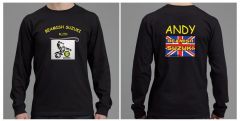
From the album: Beamish Suzuki 250
© AJW
This guy is 76 years old and still getting out every week on his Greevesonly if there are slots in the flywheel ? which are there on some bikes so you can adjust the points with the flywheel on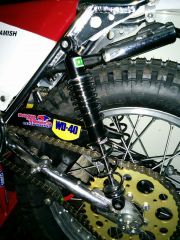
From the album: Beamish Suzuki 250
Looks better with the CNC alloy caps holding the shocks on, instead of a washer n bolt it had before© AJW
























Account
Navigation
Search
Configure browser push notifications
Chrome (Android)
- Tap the lock icon next to the address bar.
- Tap Permissions → Notifications.
- Adjust your preference.
Chrome (Desktop)
- Click the padlock icon in the address bar.
- Select Site settings.
- Find Notifications and adjust your preference.
Safari (iOS 16.4+)
- Ensure the site is installed via Add to Home Screen.
- Open Settings App → Notifications.
- Find your app name and adjust your preference.
Safari (macOS)
- Go to Safari → Preferences.
- Click the Websites tab.
- Select Notifications in the sidebar.
- Find this website and adjust your preference.
Edge (Android)
- Tap the lock icon next to the address bar.
- Tap Permissions.
- Find Notifications and adjust your preference.
Edge (Desktop)
- Click the padlock icon in the address bar.
- Click Permissions for this site.
- Find Notifications and adjust your preference.
Firefox (Android)
- Go to Settings → Site permissions.
- Tap Notifications.
- Find this site in the list and adjust your preference.
Firefox (Desktop)
- Open Firefox Settings.
- Search for Notifications.
- Find this site in the list and adjust your preference.