Varlo
Members
-
Joined
-
Last visited
-
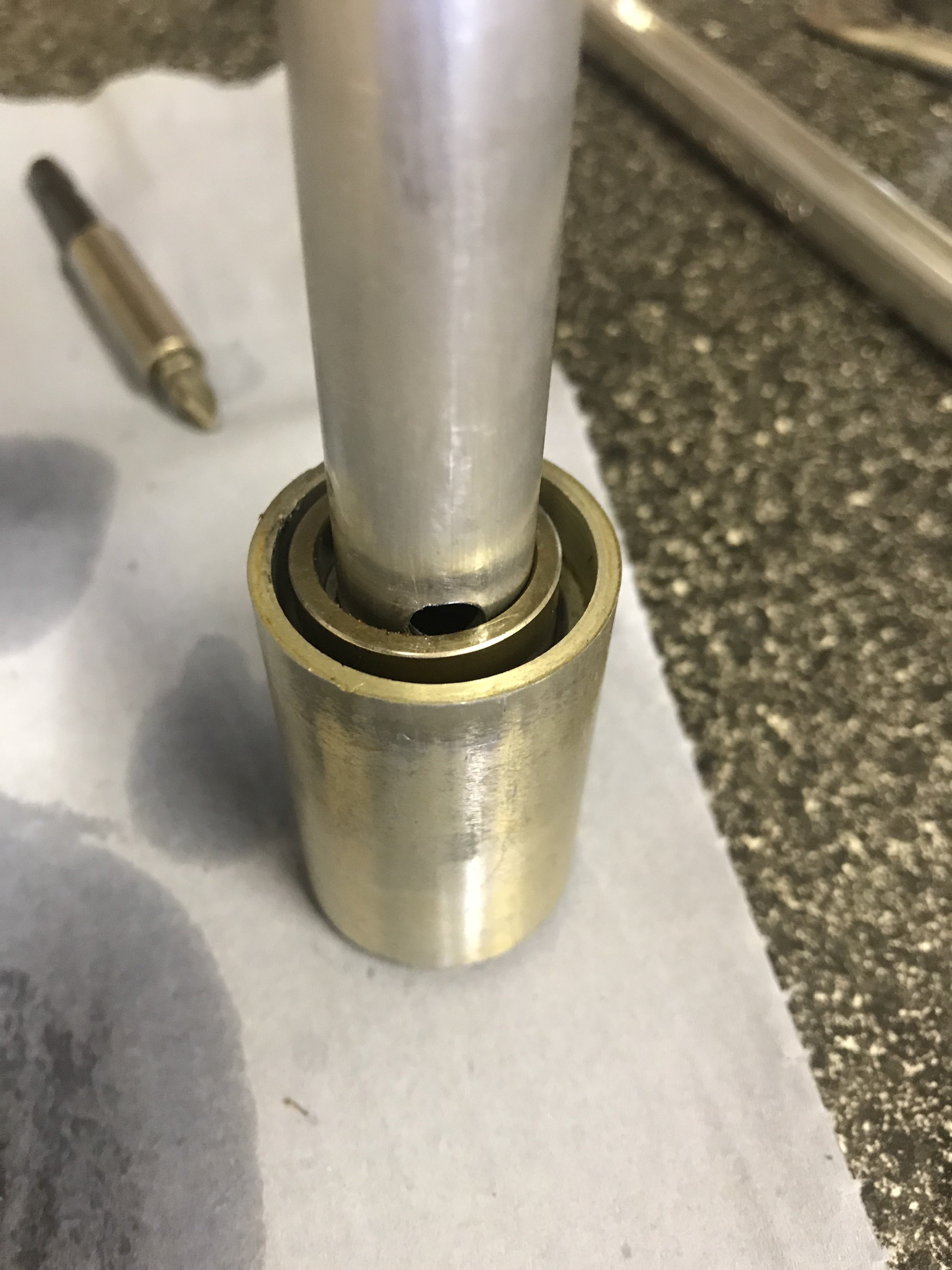
If I want to soften the forks up do I remove the ring that covers half the bottom hole?
-
The forks on my fantic 200 are betors with double pinch bolts. They are too stiff, I’ve gone down to 5 wt oil, 200ml. stripped forks down & put new x2 seals in each leg. Are there any mods I can do to damper rod to make them softer? Cheers varlo
-
That’s ok, I’ve still got ty & just got a fantic to see what all the fuss is about lol ??
-
-
Cheers for that, will do if I’m struggling. Do I need an acu license to midland classic?
-
That’s the one, ?? Looks like I’ve got mine in right order. Cheers
-
Will do, didn’t realise they were same as ty
-
That’s good to know ??
-
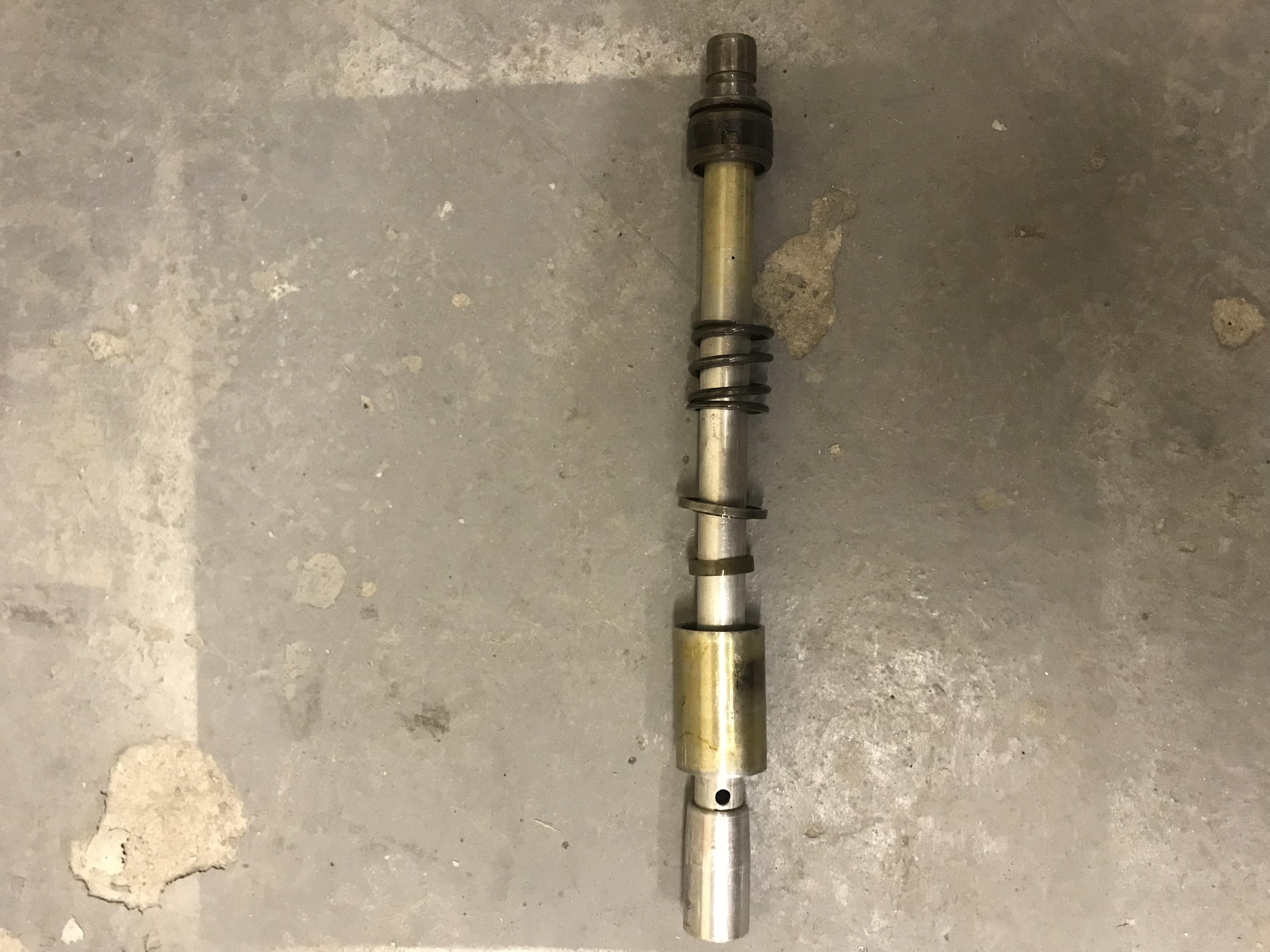
Can anyone tell me if I’ve got my damper rods in the right order? thanks carlCarl
-
Mine are betors, with double pinch bolts, I’ve taken them apart but the stanctions go tight in the right leg about 3 1/4 way down. Both stanctions ok in other leg !
-
Hi Graham, yes there 35mm, do you use spacers to replace the second seal? carl
-
Hi, I’m replacing fork seals on my fantic 200, what’s best? 2 seals in each leg or 1 seal & spacer
-
Hi did you get your forks working ok? iv got a similar problem.
-
My left 14.8mm & my right 35mm my front sprocket is fitted with the raised side to the engine
-
Thanks for info, I’ll check mine see how it measures up ??