-
Buying a Beta
Looks a good one for £1000 mate , health to enjoy buddy
-
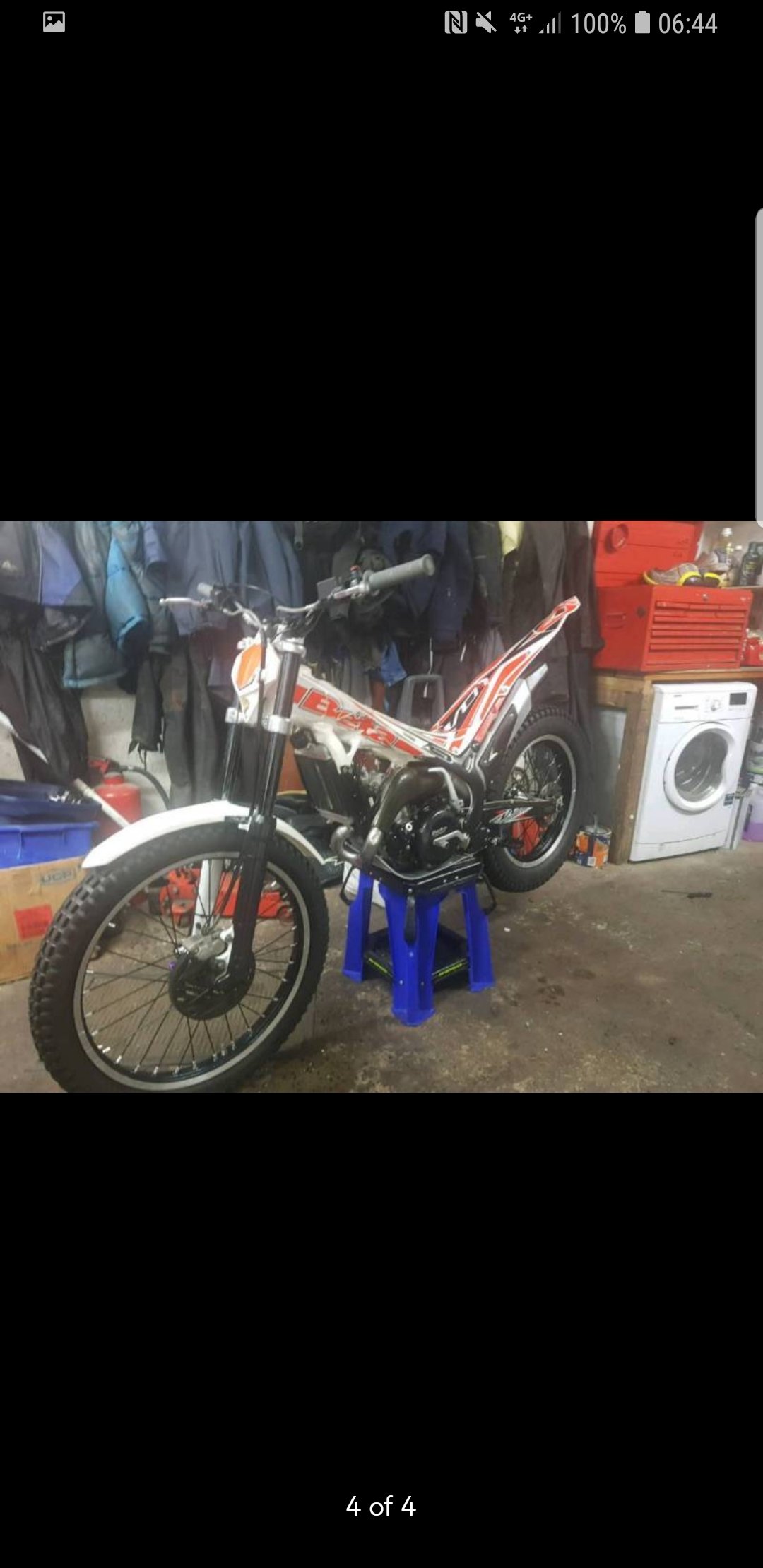
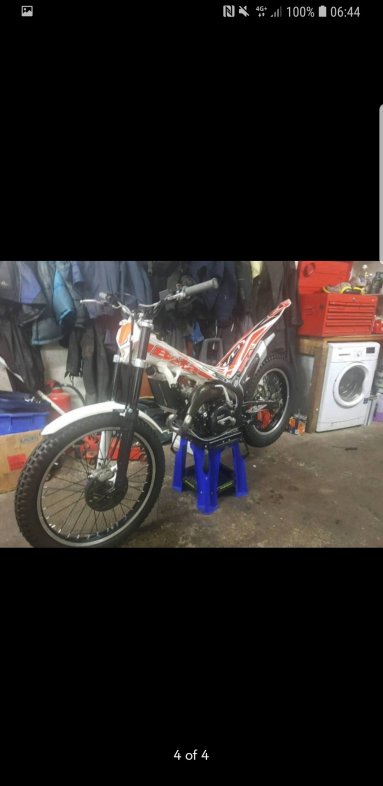
Just bought 2016 beta evo 300 , few questions??
Thanks for all the replies guys and girls much appreciated ?
-
Just bought 2016 beta evo 300 , few questions??
I've just bought a 2016 beta evo 300 , what's the oil fuel mix ratio use guys are using? And what gear oil would use advise to use? Is there anything I should check or be aware of for this model also? Thanks
-
Montesa 315r what year is this bike???
Ok a 4rt copy is that better ?? ?
-
2 strove v 4 stroke , pro and cons
As title suggests Im wondering from experience some of use have had from riding both 2 stroke and 4 stroke bikes what use think the advantages and disadvantages of both are. is one more user friendly , cheaper to run etc etc.
-
Montesa 315r what year is this bike???
Yea I was pretty sure it was 1997 model but guy said he had log book saying it was 2003 , I'll have to speak to him again and tell him he's wrong. As for buying it , I was wanting to buy it to turn into a repsol replica , more a project to work at rather than a bike to ride. Thanks for your reply and help with the year, very much appreciated
-
Montesa 315r what year is this bike???
£1200
-
Montesa 315r what year is this bike???
- Montesa 315r what year is this bike???
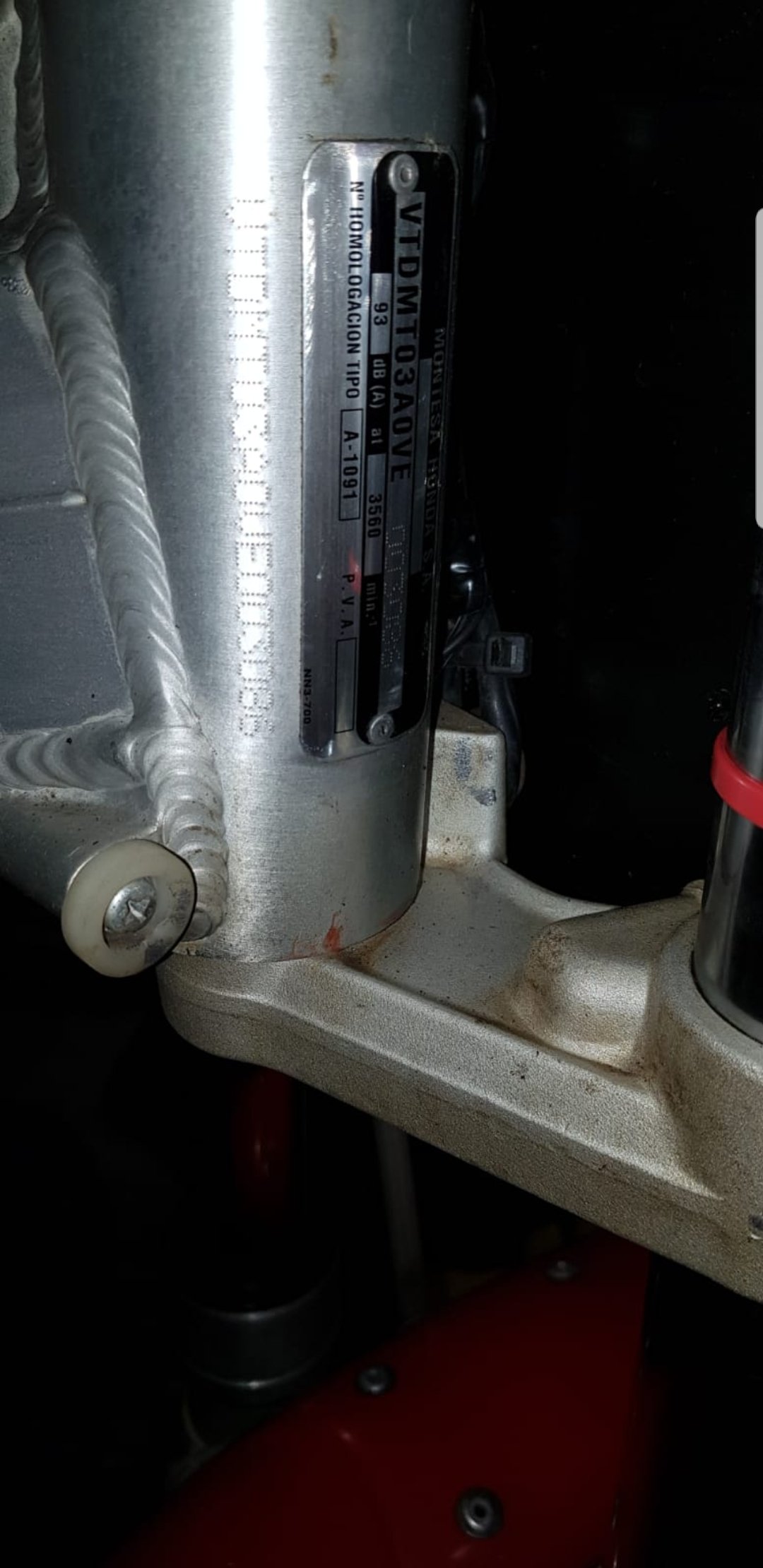
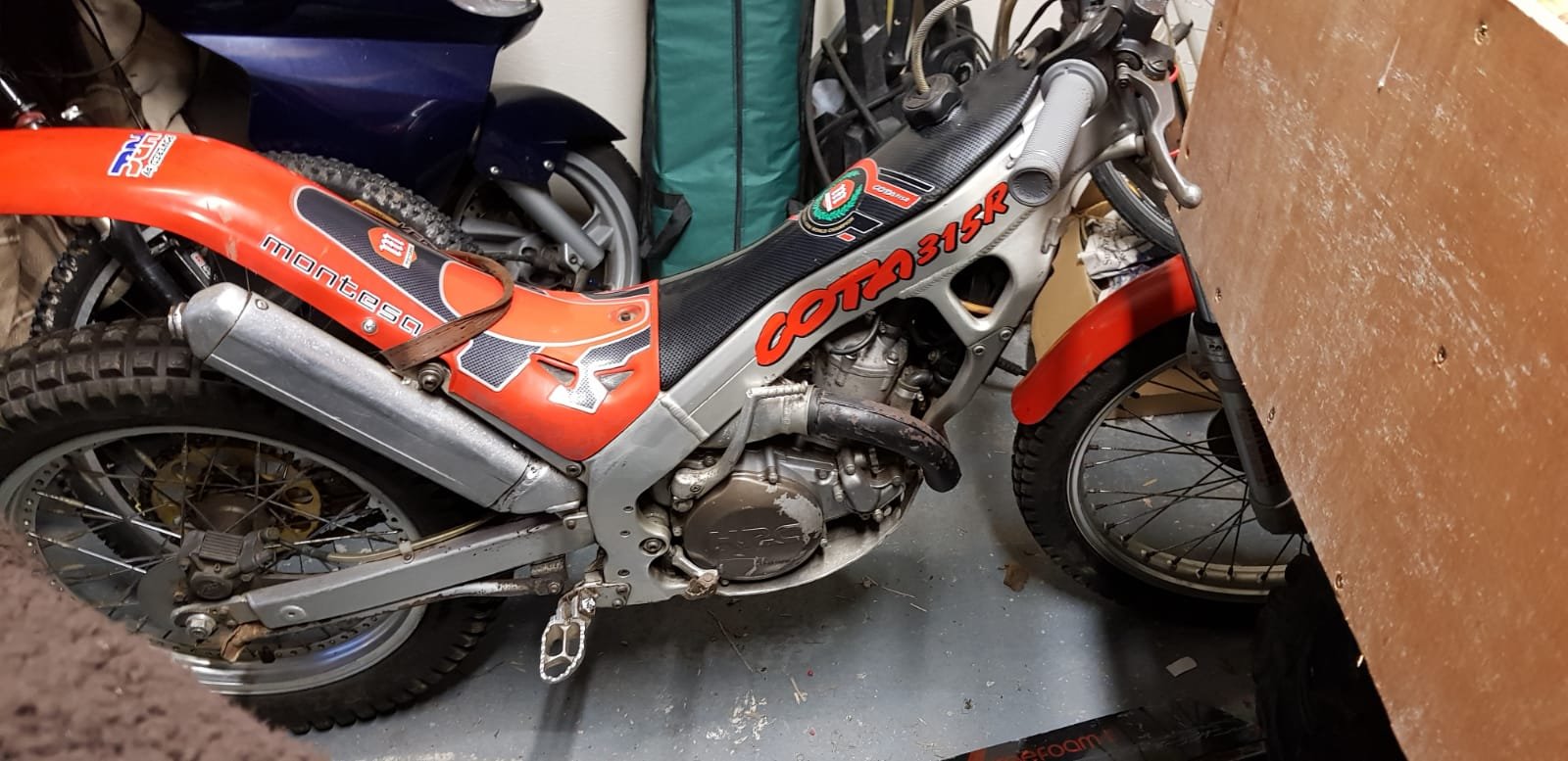
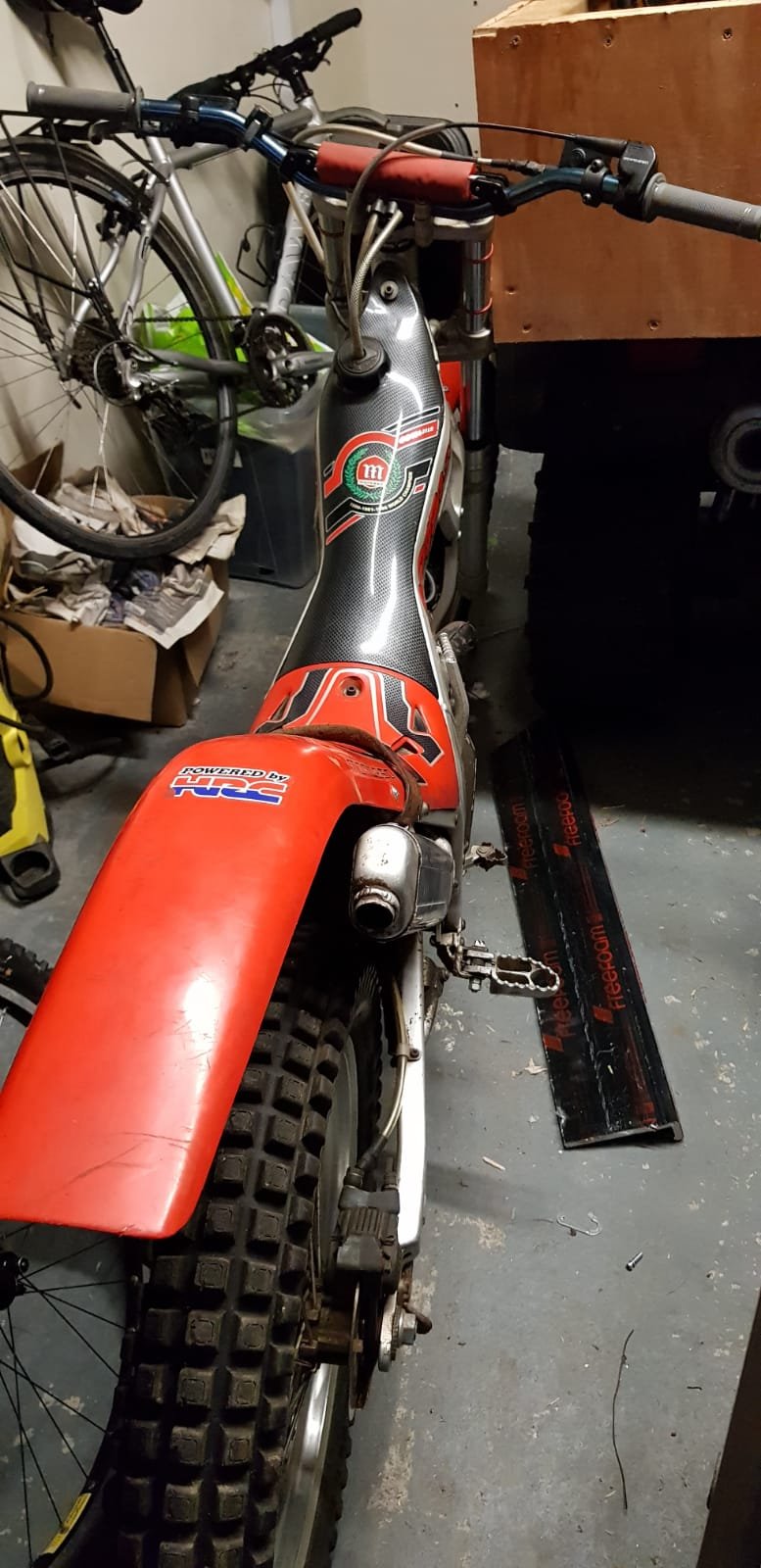
I'm sure this has been asked 100 times but I'm looking to find out the year of a montesa I'm looking to buy. Guy says it's 03 or 04 but it has a carbon tank and frame decals which I think are 1998/1999 , I have pictures of the bike and a frame number if anyone could help me out? Second question is once I've found out the year What's a fair price to pay for it? Thanks in advance. - Montesa 315r what year is this bike???

Neill_k
Members
-
Joined
-
Last visited
Account
Navigation
Search
Configure browser push notifications
Chrome (Android)
- Tap the lock icon next to the address bar.
- Tap Permissions → Notifications.
- Adjust your preference.
Chrome (Desktop)
- Click the padlock icon in the address bar.
- Select Site settings.
- Find Notifications and adjust your preference.
Safari (iOS 16.4+)
- Ensure the site is installed via Add to Home Screen.
- Open Settings App → Notifications.
- Find your app name and adjust your preference.
Safari (macOS)
- Go to Safari → Preferences.
- Click the Websites tab.
- Select Notifications in the sidebar.
- Find this website and adjust your preference.
Edge (Android)
- Tap the lock icon next to the address bar.
- Tap Permissions.
- Find Notifications and adjust your preference.
Edge (Desktop)
- Click the padlock icon in the address bar.
- Click Permissions for this site.
- Find Notifications and adjust your preference.
Firefox (Android)
- Go to Settings → Site permissions.
- Tap Notifications.
- Find this site in the list and adjust your preference.
Firefox (Desktop)
- Open Firefox Settings.
- Search for Notifications.
- Find this site in the list and adjust your preference.