Skip to content
View in the app

A better way to browse. Learn more.

Trials Central

A full-screen app on your home screen with push notifications, badges and more.

To install this app on iOS and iPadOS
  1. Tap the Share icon in Safari
  2. Scroll the menu and tap Add to Home Screen.
  3. Tap Add in the top-right corner.
To install this app on Android
  1. Tap the 3-dot menu (⋮) in the top-right corner of the browser.
  2. Tap Add to Home screen or Install app.
  3. Confirm by tapping Install.

Rhoda_Sodapop

Members
  • Joined

  • Last visited

About Me

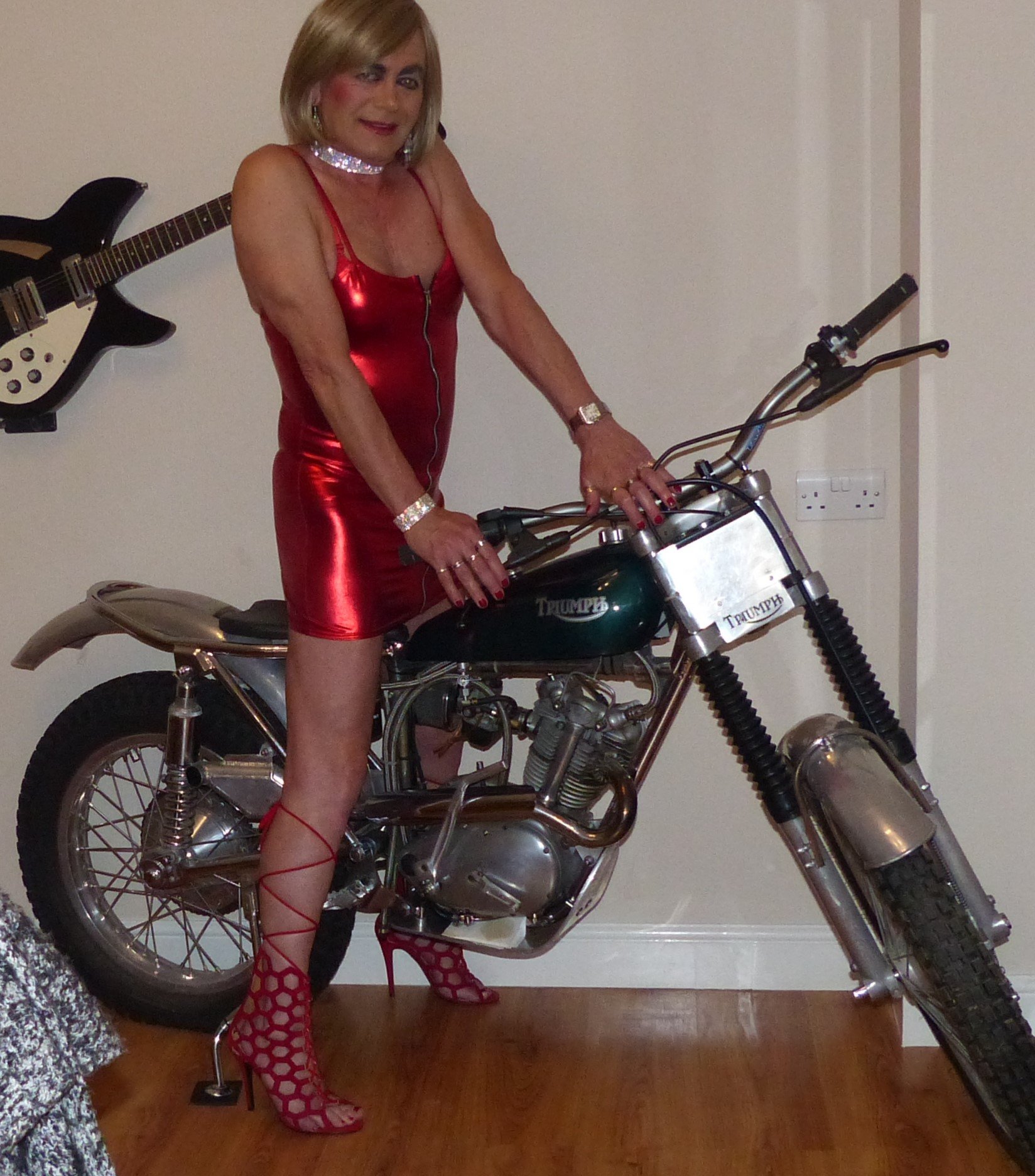
Rode for more than 15 yeas starting in my late 40's.  Rode in UK, Belgium and Spain.  Absolutely loved the sport and became Chair of my local club.  I am a disabled rider.  Sadly, my best friend and riding partner died and I lost the heart and ability to continue to ride without him.  I keep one of his favoured Bultaco 198A and my tricked up 250cc Tiger Cub which now has pride of place in my dining room.  I have a great deal of knowledge about the Beamish Suzuki built up over many years and many restorations.
P1010557.thumb.JPG.565b483f421aa5e671f505806c0a450c.JPG


P1060652 (2).JPG

P1030121.JPG

Account

Navigation

Search

Search

Configure browser push notifications

Chrome (Android)
  1. Tap the lock icon next to the address bar.
  2. Tap Permissions → Notifications.
  3. Adjust your preference.
Chrome (Desktop)
  1. Click the padlock icon in the address bar.
  2. Select Site settings.
  3. Find Notifications and adjust your preference.