Skip to content
View in the app

A better way to browse. Learn more.

Trials Central

A full-screen app on your home screen with push notifications, badges and more.

To install this app on iOS and iPadOS
  1. Tap the Share icon in Safari
  2. Scroll the menu and tap Add to Home Screen.
  3. Tap Add in the top-right corner.
To install this app on Android
  1. Tap the 3-dot menu (⋮) in the top-right corner of the browser.
  2. Tap Add to Home screen or Install app.
  3. Confirm by tapping Install.

warn

Members
  • Joined

  • Last visited

  1. warn replied to jsp's topic in Vertigo
    Ok. Thanks?
  2. warn replied to jsp's topic in Vertigo
    Do you use an old primary shaft cover with the breather pipe or did you make your own pipe?
  3. warn replied to heffergm's topic in Vertigo
    Ok, thank you.?
  4. warn replied to heffergm's topic in Vertigo
    Yes i understand that but do you use it as a puller?
  5. warn replied to heffergm's topic in Vertigo
    How do you use this "tool"?
  6. warn replied to jsp's topic in Vertigo
    Found this from a 2017....
  7. warn replied to jsp's topic in Vertigo
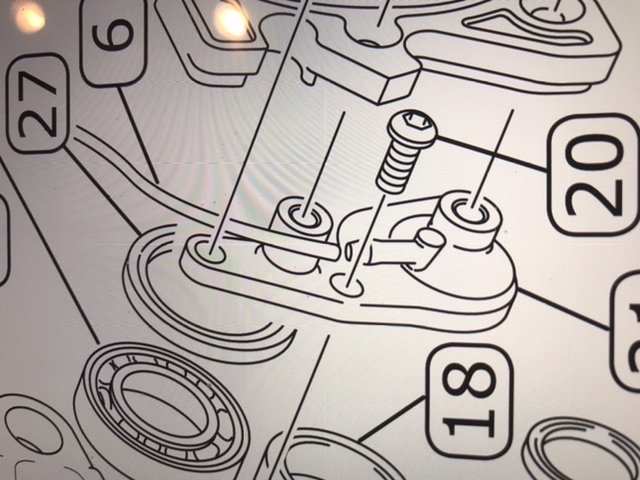
    Do you have a picture on that pipe on the sprocket side?
  8. warn posted a topic in Trials Gear
    Has anywone tested the Vertigo clothes made by Wolfpro?
  9. Color code on a 1984 Fantic 300 proffesional? Tried ral 3020 but its to way orange...
  10. warn posted a topic in Beta
    Does anybody know the torque for the svingarm nut on a Beta Evo 80 2011? torque torque
  11. warn replied to warn's topic in Fantic
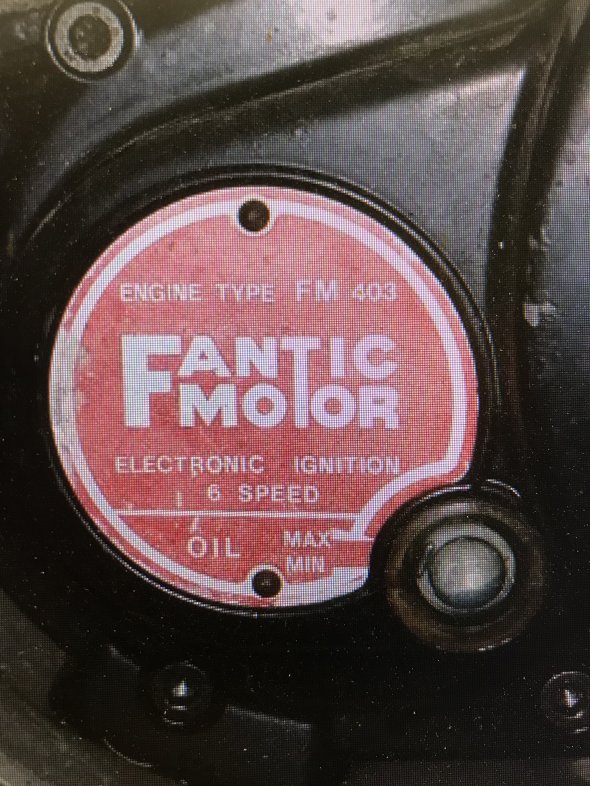
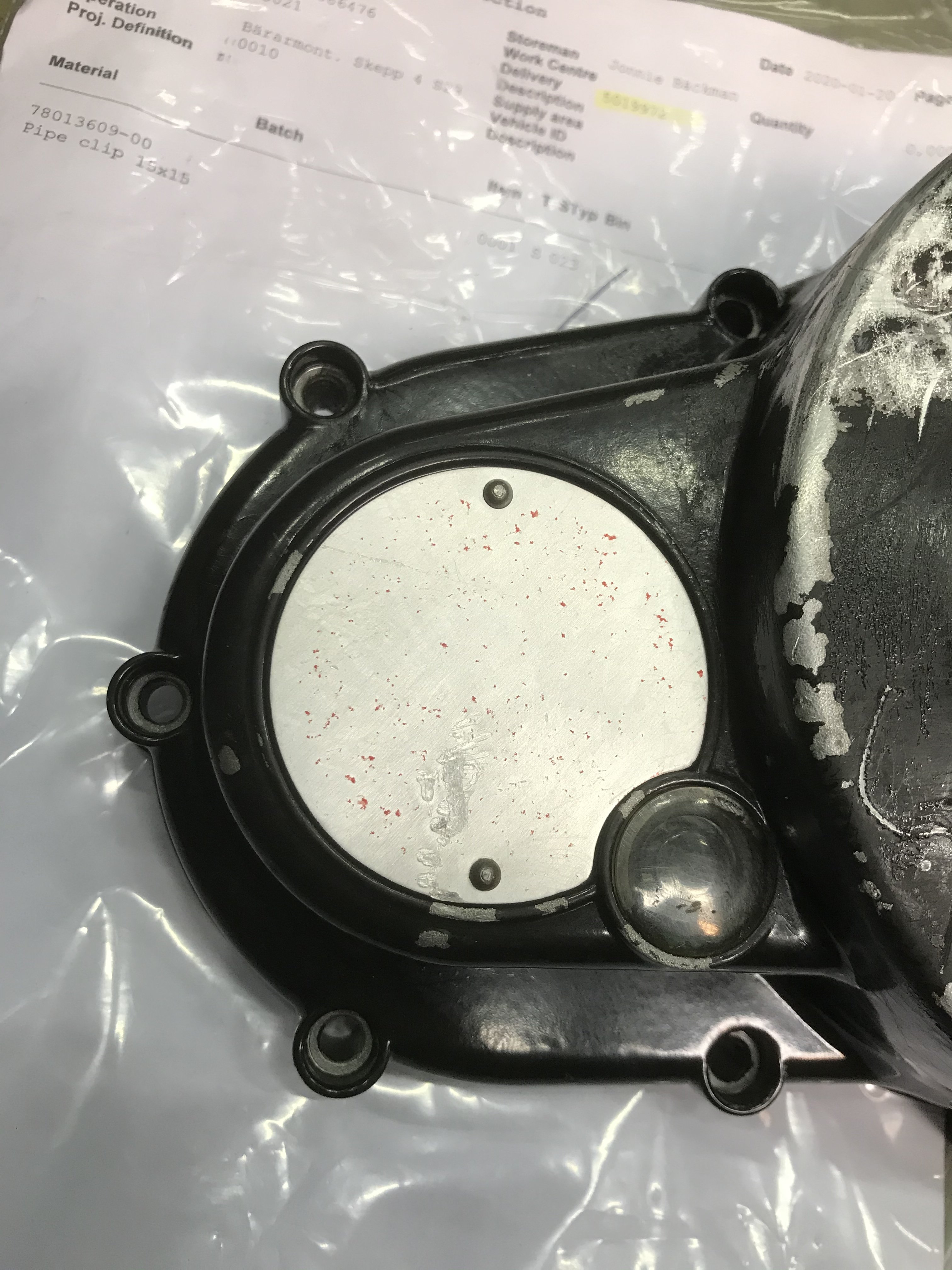
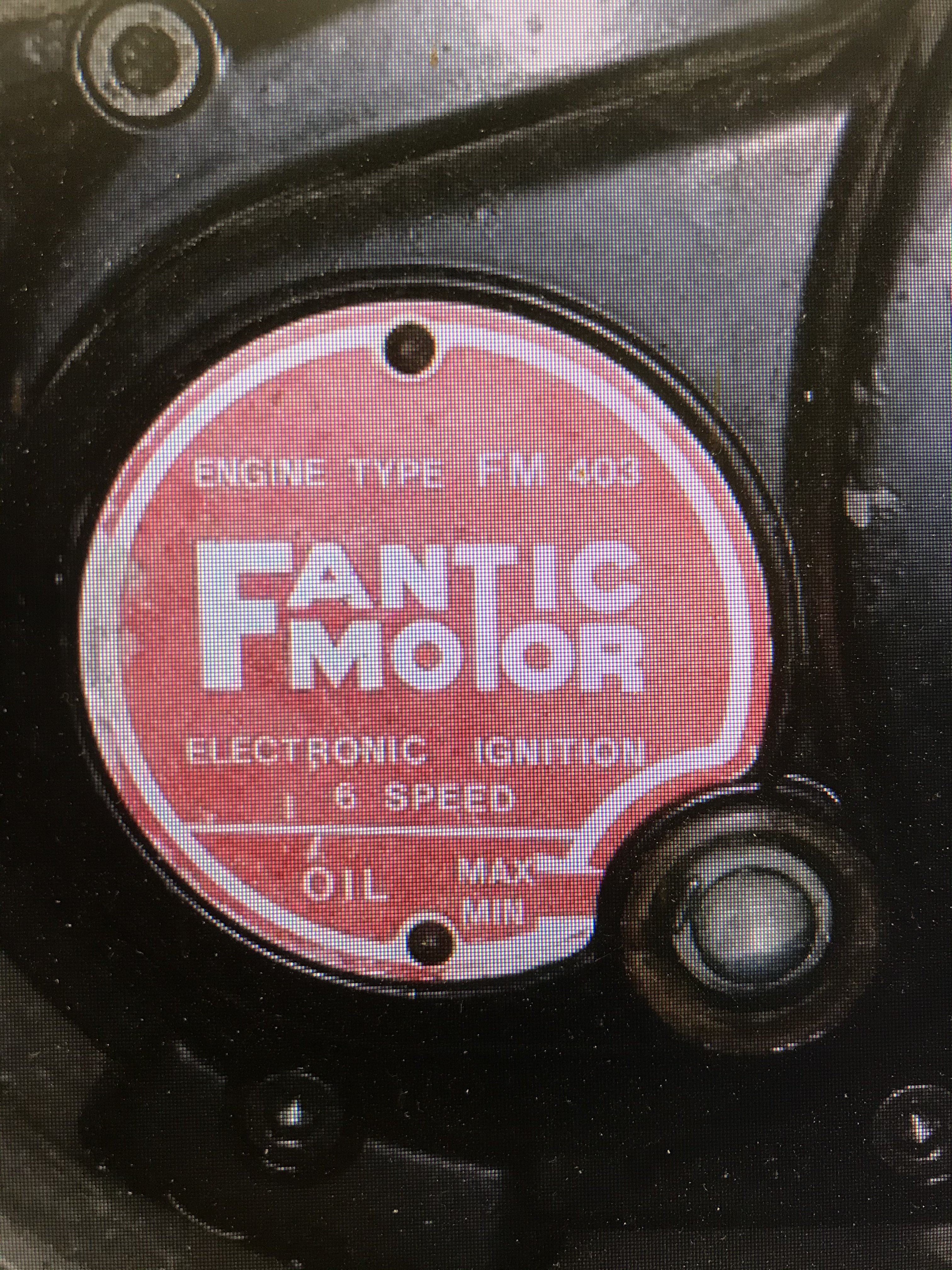
    Exactly what i need. Thanks alot. What rivets should i use to the sign?
  12. warn replied to warn's topic in Fantic
    Cambs couldnt help me, any more ideas?
  13. warn posted a topic in Fantic
    The sign on the clutch cover was destroyed by the washing machine at work. How do i fix it? A sticker or a new sign or another cover?
  14. warn replied to warn's topic in Fantic
    Yes.
  15. warn posted a topic in Fantic
    Can i use a tubeless Michelin X11 rear tire on my 1984 Fantic 300 if i fit a tube?
Account

Navigation

Search

Search

Configure browser push notifications

Chrome (Android)
  1. Tap the lock icon next to the address bar.
  2. Tap Permissions → Notifications.
  3. Adjust your preference.
Chrome (Desktop)
  1. Click the padlock icon in the address bar.
  2. Select Site settings.
  3. Find Notifications and adjust your preference.