owlit
Members
-
Joined
-
Last visited
-
I'm in England at the moment and I can get the site no problems. Thanks for the replies.
-
So we can stop and have a rest in a stop allowed event...........?????
-
Can someone explain to me how a foot on the ground when stopped is not a fail?
-
Google won't let me open any page that is not https. I havn't been able to alter the settings yet.
-
Surely someone must know something??????
-
Sorry I meant shakeproof nut (nylock).
-
Well thats how I have done it.
-
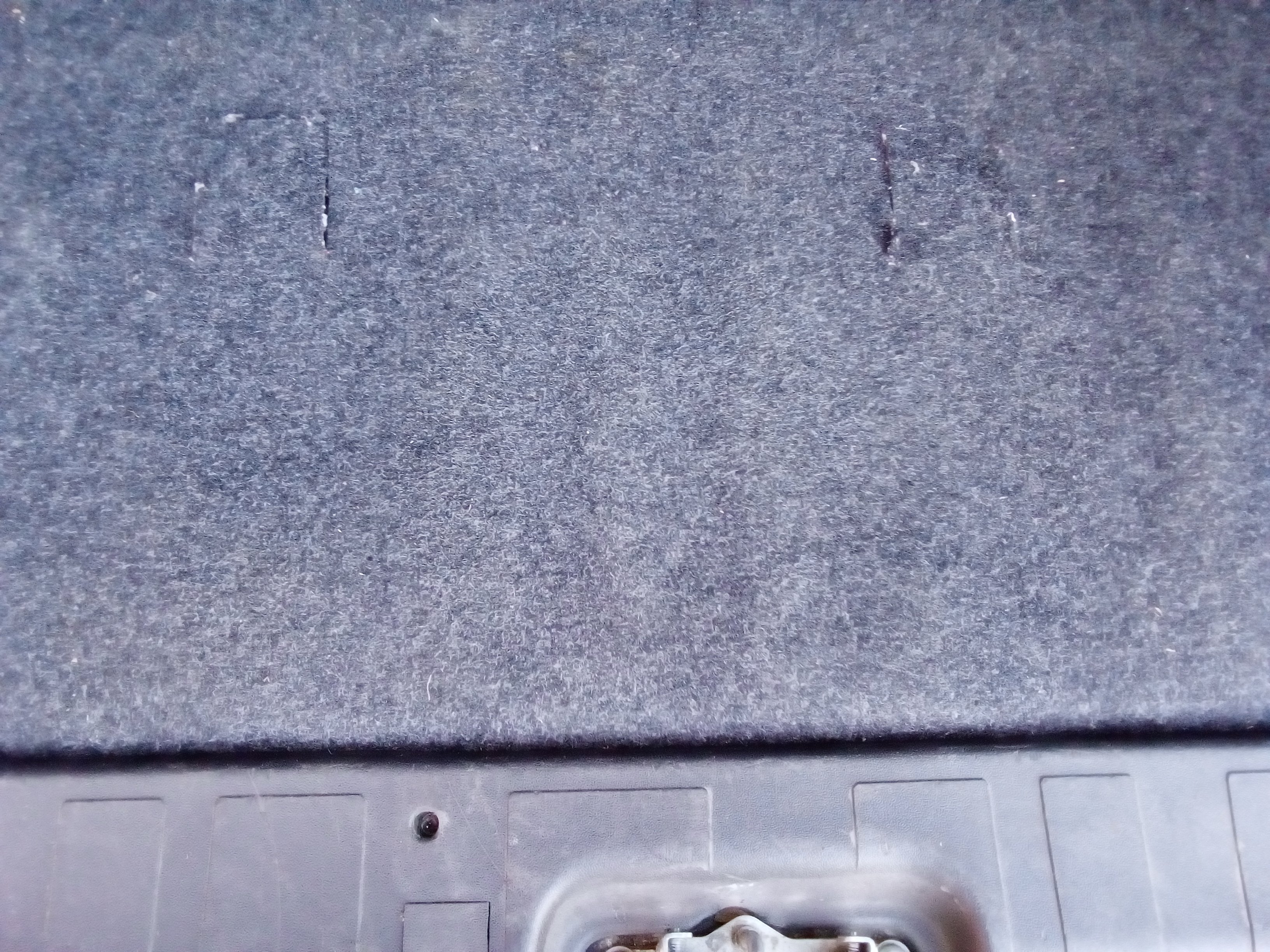
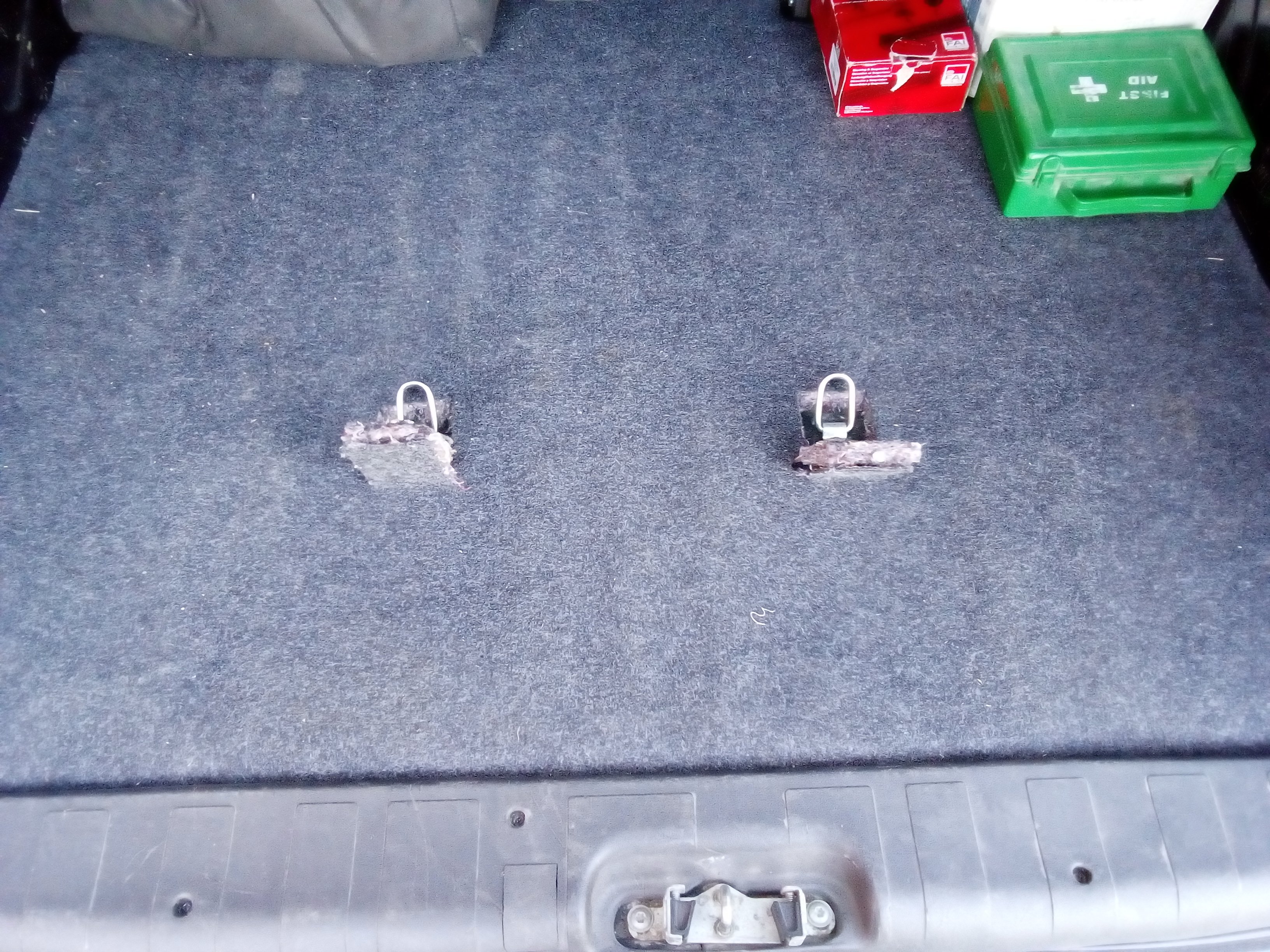
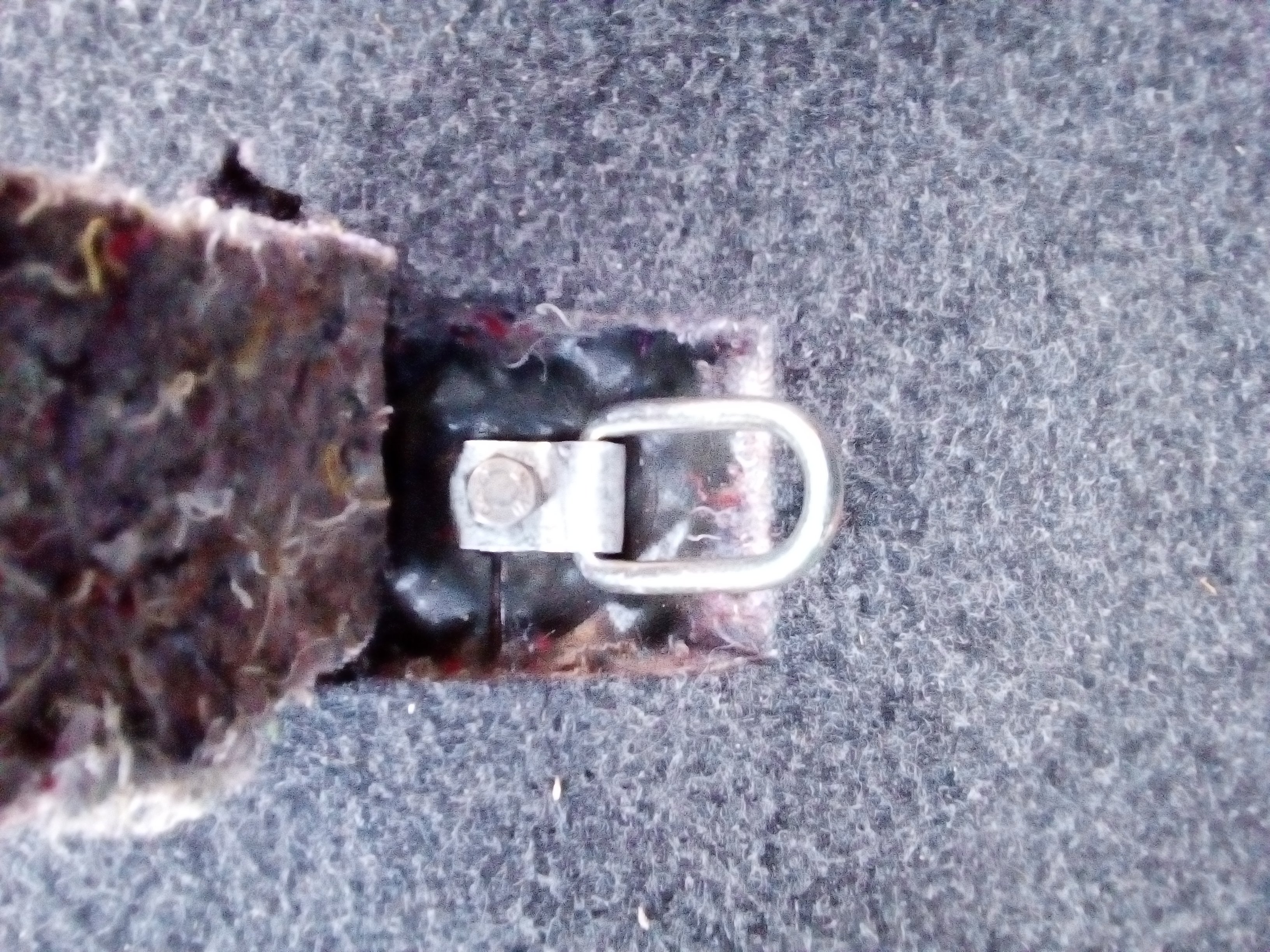
Couldn't find out anything about the fixing points so I decided to drill the floor where the depressions are 8mm. I then bolted a folding tie down ring with a long 8mm bolt with a large penny washer and shake proof washer underneath, these go through a cross member. I now feel a bit more confident that the bike will stay put......... What about the carpet when the bike is muddy?????Could anyone give me a contact for the above as I no longer appear to be able to get onto their site. Google says Insecure?? ThanksFeel free? Grind off the tooth at the end of the original peg so it is the same height as the rest. I'm so glad I did mine???One thing I have done with a file is take all the sharp edges off.Well this is Italy everything closed until September?Sounds like a cunning plan. I'll let you know if and when I find out anything.