greevesman
Members
-
Joined
-
Last visited
Everything posted by greevesman
-
Try Steve at http://villiersservices.co.uk/ Simon
-
Well done Joe Baker 1st on day one 3rd on day 4 .Brilliant ride
-
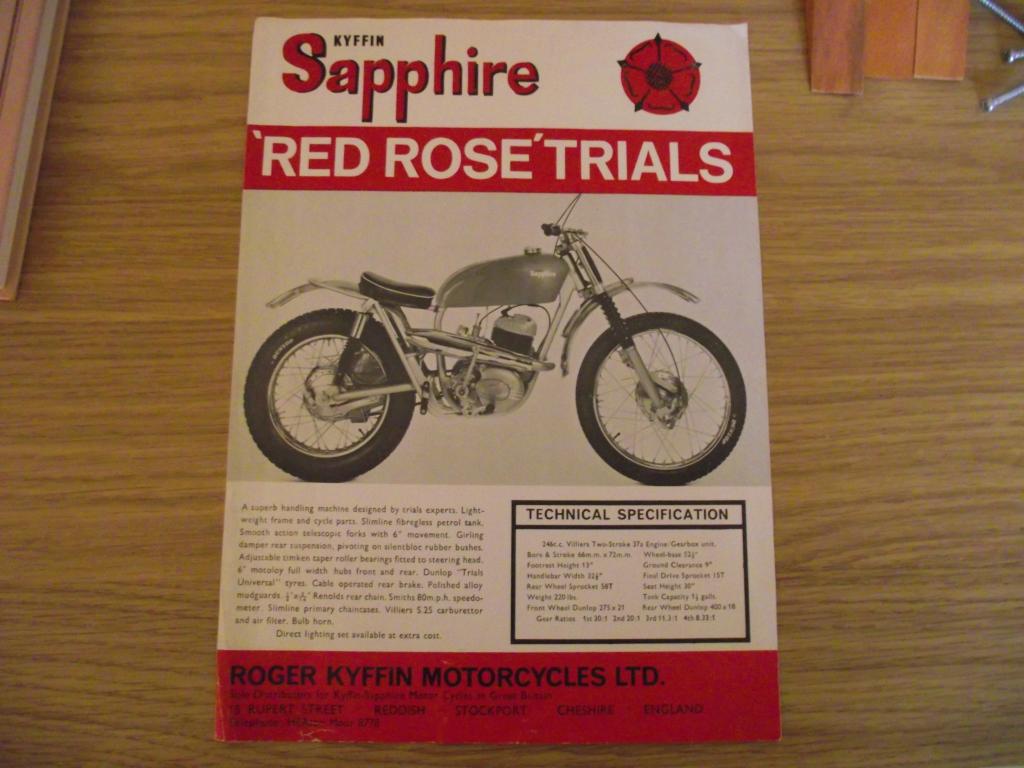
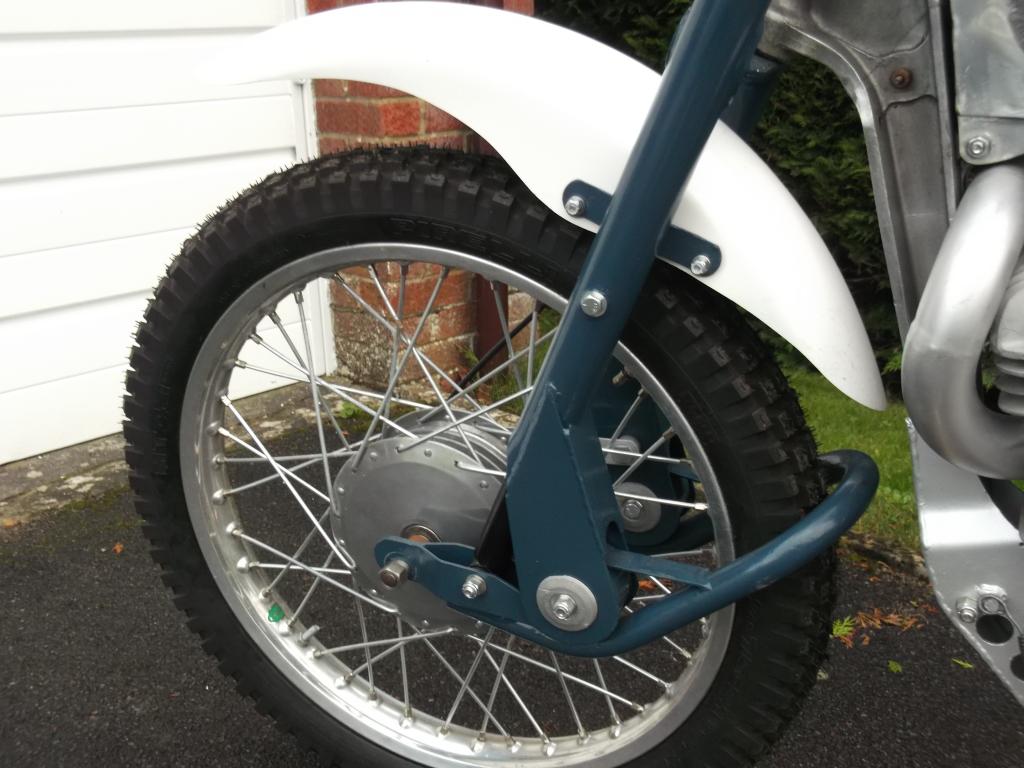
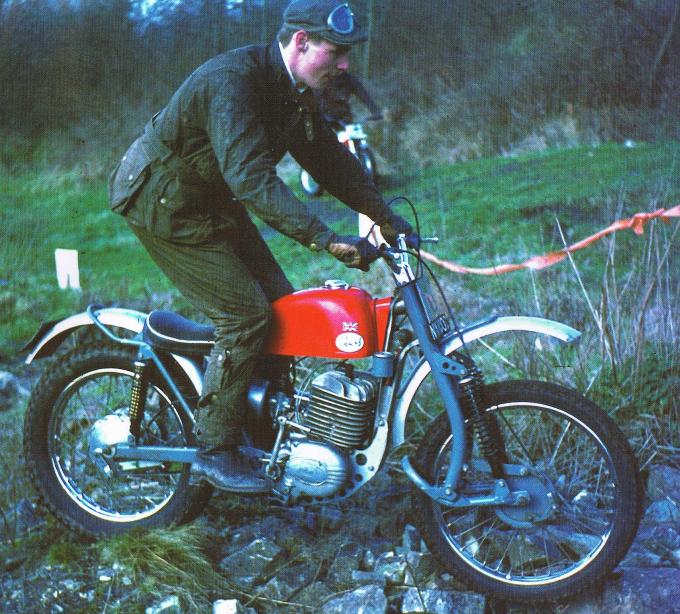
I think this is the bike you are talking about ,according to Don Morley`s two stroke trials book the forks legs are Betor as used by Bultaco.
-
Simon Bateman is still trading as Nametab only engineering side having sold all his spare to Villiers Services http://www.nametabengineering.com/
-
Try Peter James Insurance ,I have insured both my unregd Greeves Laid up covers fire and theft and a Yamaha IT175 fully comp for £88
-
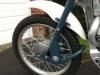
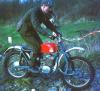
Sorry about that I should have said both of the banana forks in the photos (B/W & colour) are banned its the Leading Link forks that are allowed.
-
There are 2 types of Greeves banana forks the ones Deryk put on came out in late1965 and the first ones as in photo
-
Greeves banana forks came out in 1965 on the TGS Anglian 50+ years ago ,alot of the tele forks used in the Scottish Pre 65 were made in 2014/2015 but are allowed WHY?
-
In 2012 Mike Tizard was not allowed to use original Banana Forks on his Greeves in the trial but was able to use Trick Fiddle Teles !!!