matticulous
Members
-
Joined
-
Last visited
Everything posted by matticulous
-
Adam's good... no doubt about it...
-
looks ain't everything!.. it's how she mooooves, baby!...
-
a thing of beauty and a joy forever!
-
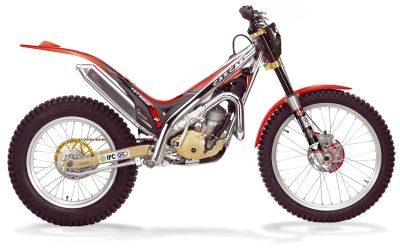
heres a couple of positive reviews of the '06 models from Trialsworld magazine.. http://www.trialsworld.co.uk/ViewArticle2....ticleID=1315338 http://www.trialsworld.co.uk/ViewArticle2....ticleID=1376556
-
snakes is cute! more snakey pics!
-
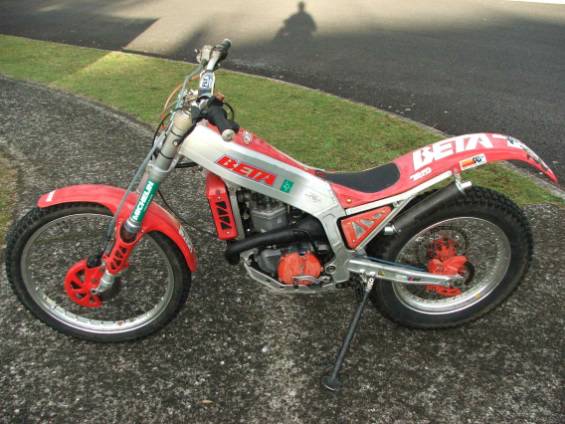
thanks for the replies .. I think I will take a little more time with my selection as suggested even though this is a lovely,restored machine.... ideally I would like a new machine but all those zeros on the end of the Scorpa 250F price tag are more scary than any expert section! cheershello I am wondering if a 1993 Beta Zero would be a suitable entry machine for someone totally new to trials bikes (but not bikes in general)and who is knocking at the door of forty ... (one for sale locally) thanks matt