-
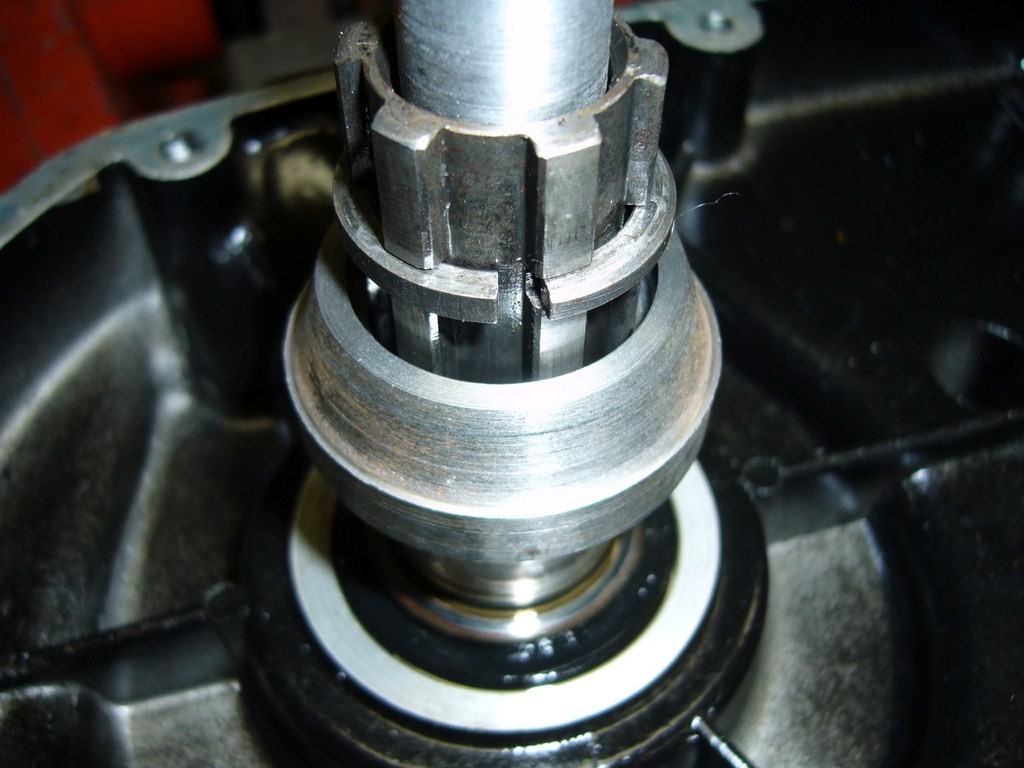
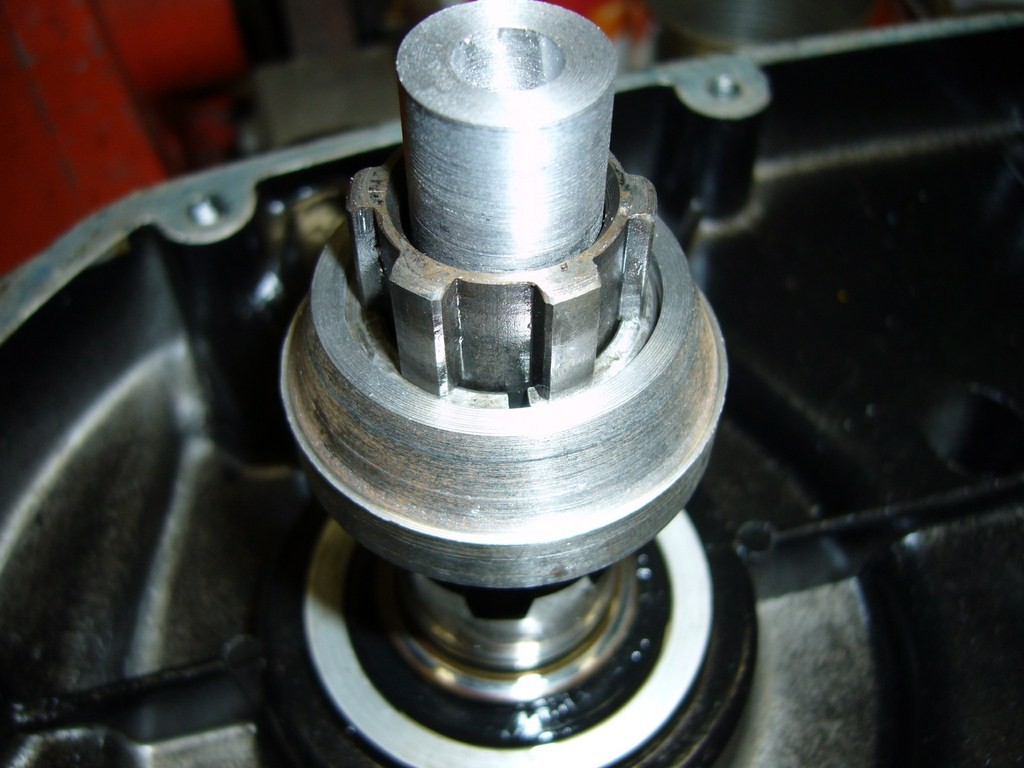
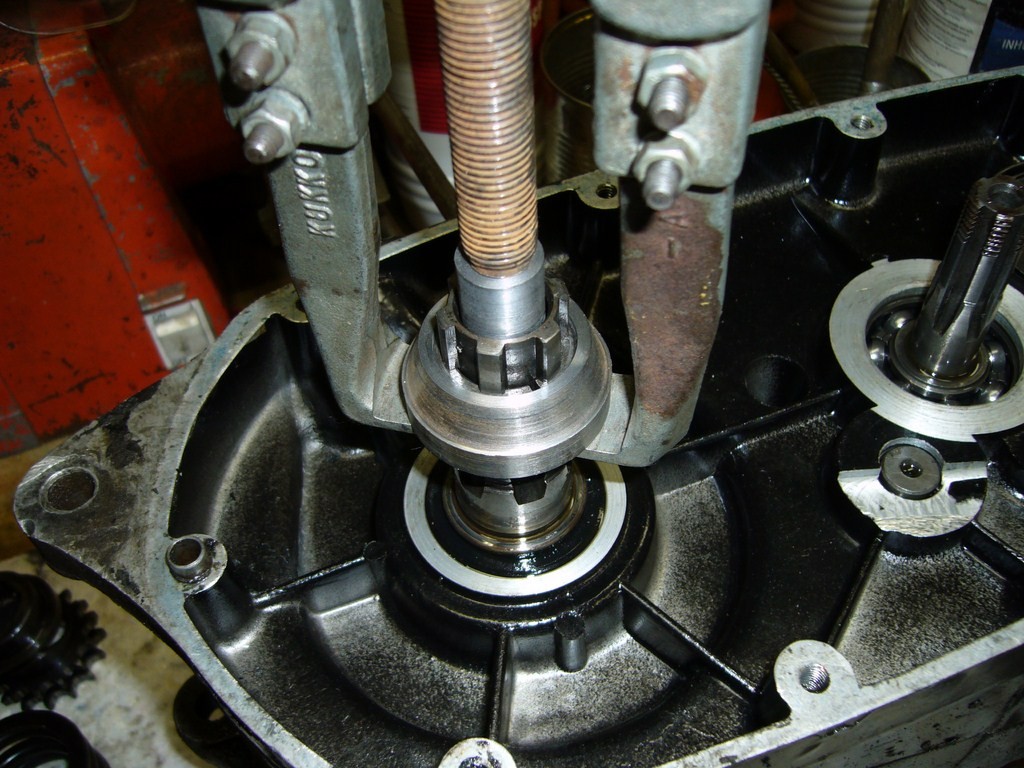
Fantic 200 clutch O ring.
Manual says 1.35kg of 2.97pounds SAE30
-
Fantic 200 clutch O ring.
Remove the clutch cover and pressure-plate. Push the rod, the small push rod with O-ring will come out on the other side. normally it is always possible to get the small rod out without removing clutch cover. Perhaps you are missing the ball between the two rods.
-
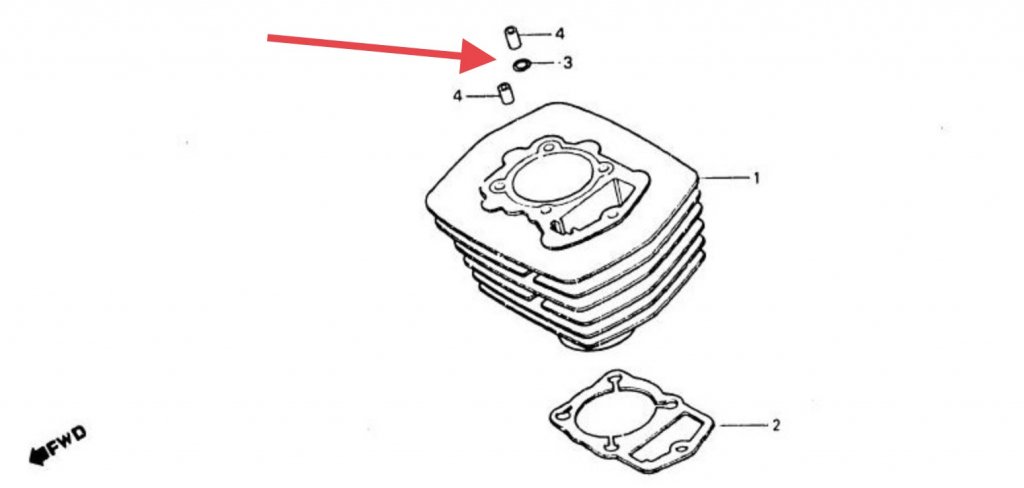
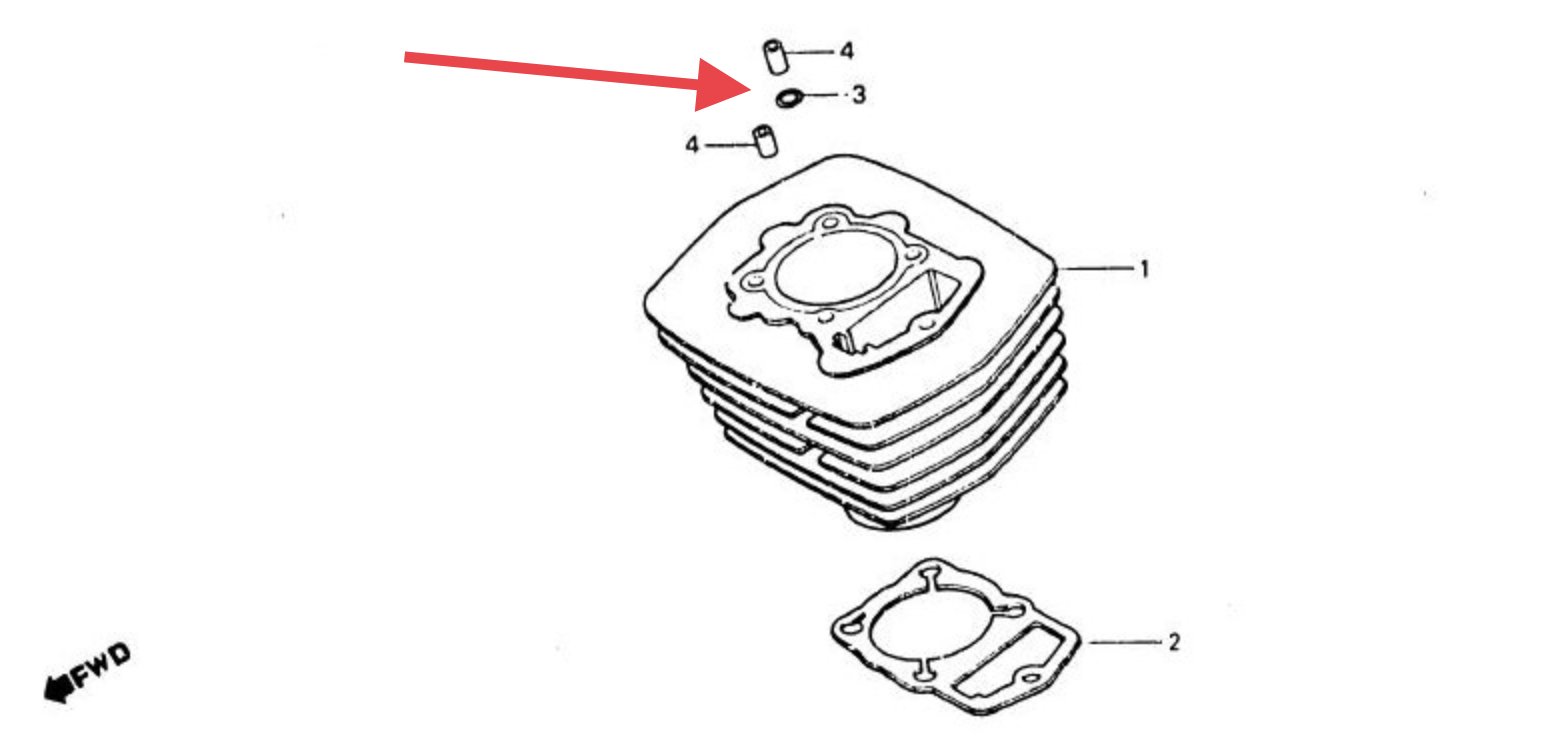
Weeping / leaking head gasket on TLR250
-
Un français qui essaye de s'exporter
Bienvenue Claude. La langue française ... pas de problème.
-
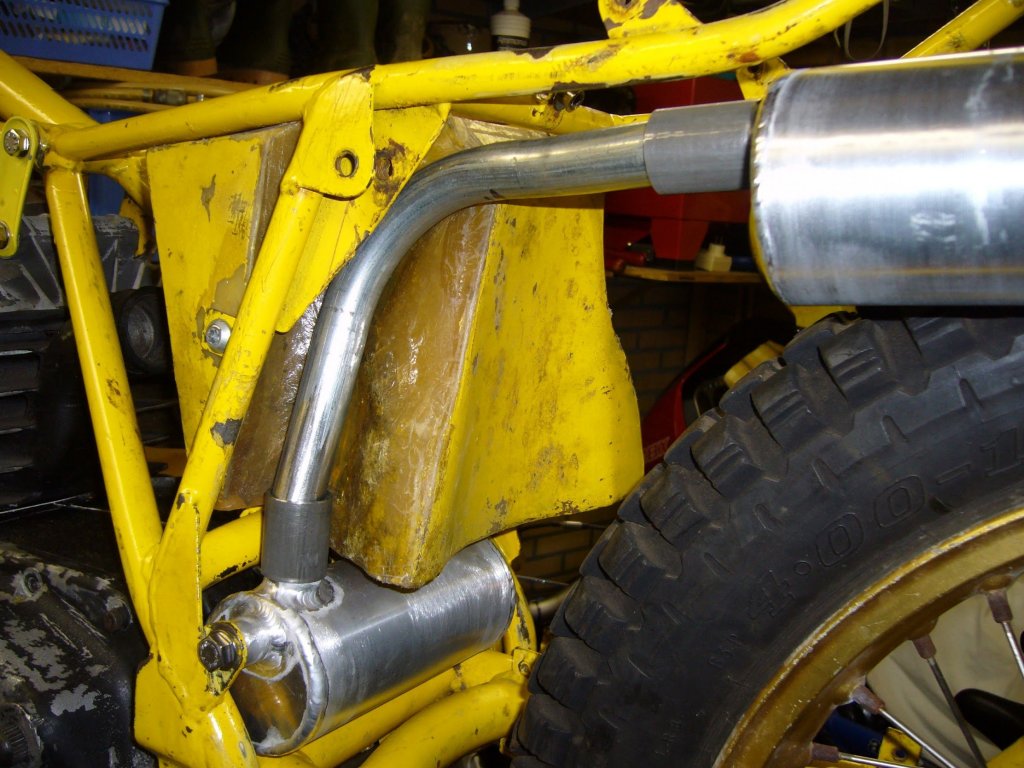
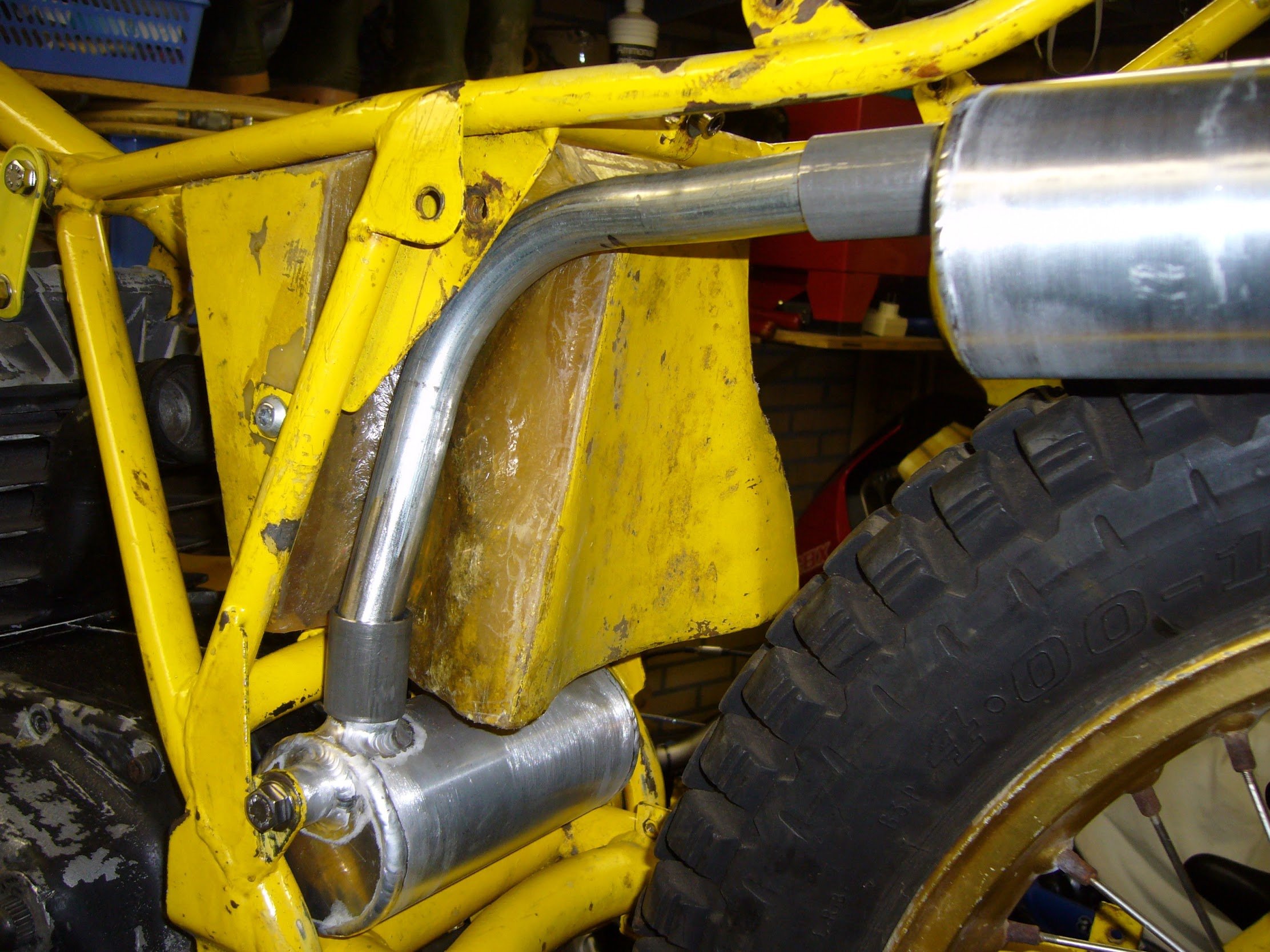
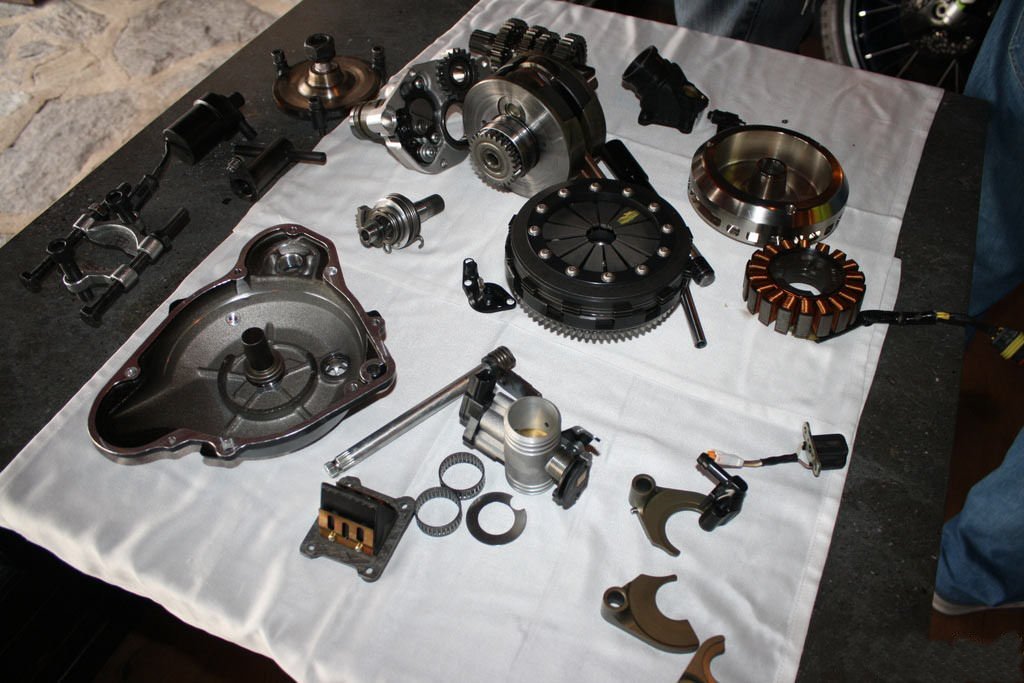
Ossa Gripper 350 rear exhaust.
-
300 rr remapping
The interface looks the same but internally different, it is not possible to use it for the 4RT or 300rr
-
Vertigo Throttle Body
On the intake manifold. Take a look at the partslist, everything you want to know is there
-
Vertigo Throttle Body
- Where to buy Cota 4RT spares?
http://montesatrials.com.au/store/category/model/- 1985 RTL 250s Headstock Replacement Bearing Assembly
a possibility is https://www.123roulement.com/roulement-SAC2647-1-KOYO.php or https://www.123roulement.com/roulement-SF0581PX1-NTN.php ground the innerring to 9mm hight and you have a real copy of the original one.- Swing arm bearings
Look here : https://www.bearingstation.co.uk/products/Bearings/Bushes or https://simplybearings.co.uk/shop/Products-Wrapped-Steel-Plain-Bushes/c4747_4531/index.html- 4rt 2017 weak engine or high idle
More to read Cota 4RT Full Power Version removal of the restrictions- Fantic 303 Headset Bearings
Bearing dimensions for the 303 headstock : 2x 20 x 43 x 13.25 https://www.123roulement.com/roulement-639177.php- Ossa gripper engine
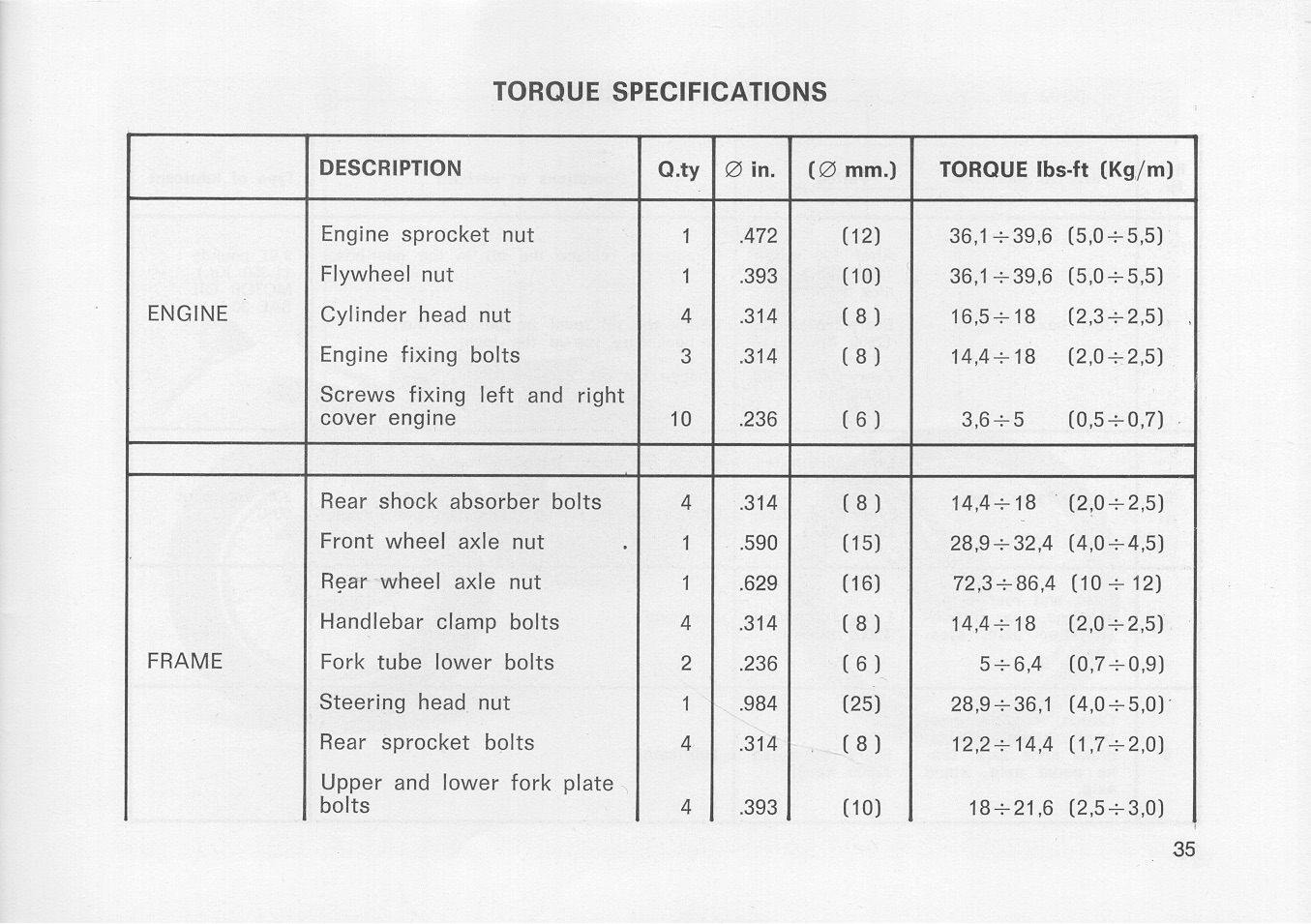
- Minarelli 200 Head torque settings
- Where to buy Cota 4RT spares?
Account
Navigation
Search
Configure browser push notifications
Chrome (Android)
- Tap the lock icon next to the address bar.
- Tap Permissions → Notifications.
- Adjust your preference.
Chrome (Desktop)
- Click the padlock icon in the address bar.
- Select Site settings.
- Find Notifications and adjust your preference.
Safari (iOS 16.4+)
- Ensure the site is installed via Add to Home Screen.
- Open Settings App → Notifications.
- Find your app name and adjust your preference.
Safari (macOS)
- Go to Safari → Preferences.
- Click the Websites tab.
- Select Notifications in the sidebar.
- Find this website and adjust your preference.
Edge (Android)
- Tap the lock icon next to the address bar.
- Tap Permissions.
- Find Notifications and adjust your preference.
Edge (Desktop)
- Click the padlock icon in the address bar.
- Click Permissions for this site.
- Find Notifications and adjust your preference.
Firefox (Android)
- Go to Settings → Site permissions.
- Tap Notifications.
- Find this site in the list and adjust your preference.
Firefox (Desktop)
- Open Firefox Settings.
- Search for Notifications.
- Find this site in the list and adjust your preference.